
Technical SEO is the foundation of a website's search performance. Even the best content cannot rank consistently if search engines struggle to crawl, render, index, or understand a website. A well-planned Technical SEO Checklist for Developers ensures that websites are fast, secure, mobile-friendly, properly structured, and easy for search engines to process. For businesses investing in long-term digital growth, technical SEO should be integrated into the development process rather than treated as an afterthought.
Modern search engines evaluate much more than keywords. They analyse page speed, Core Web Vitals, structured data, JavaScript rendering, internal linking, mobile usability, security, crawl efficiency, and many other technical signals. Developers therefore play a crucial role in improving organic visibility alongside SEO specialists.
Whether building a new website, maintaining an enterprise application, or optimising an existing platform, following a proven Technical SEO Checklist for Developers helps prevent costly mistakes that reduce search rankings and user experience.
Businesses looking for complete website optimisation often combine technical SEO with professional web development, UX improvements, and digital marketing strategies available through https://www.amzsoftinnovexa.com/ and its related service pages for SEO, website development, and performance optimisation.
Why Every Developer Needs a Technical SEO Checklist for Developers
A well-implemented Technical SEO Checklist for Developers helps websites become easier to crawl, faster to load, more accessible, and simpler for search engines to understand. It reduces technical errors before launch, improves user experience, and creates a stronger foundation for long-term organic growth without relying solely on content updates.
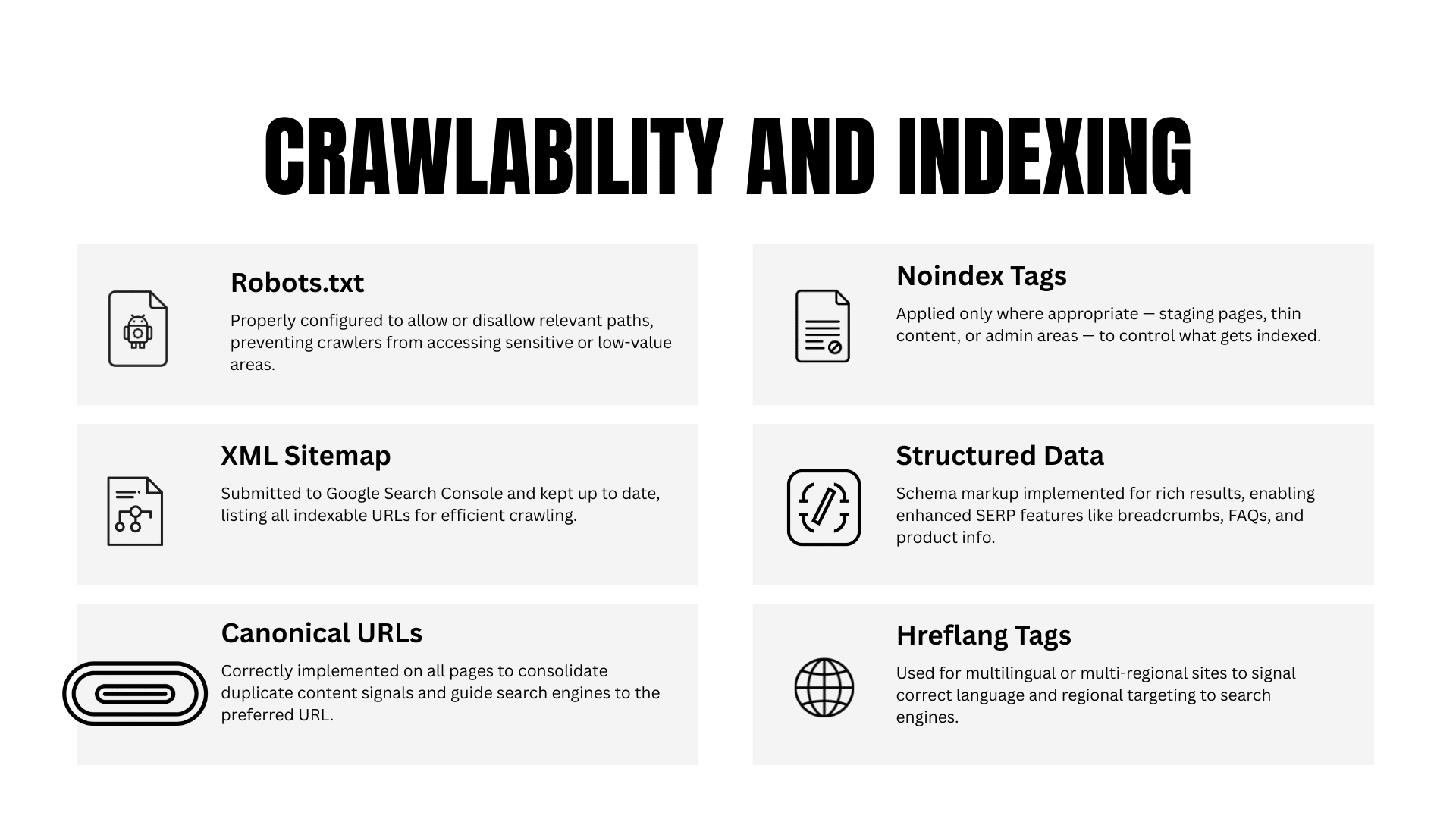
Many websites lose valuable rankings not because of poor content, but because of preventable technical issues introduced during development. Missing canonical tags, incorrect redirects, broken internal links, render-blocking scripts, duplicate pages, or poor mobile responsiveness can all affect visibility in search results.
From a developer's perspective, technical SEO is not about writing keywords into HTML. It is about ensuring that the website architecture supports both users and search engines.
Common development projects where technical SEO matters include:
Corporate websites
SaaS platforms
E-commerce stores
Enterprise applications
WordPress websites
React and Next.js projects
Angular applications
Vue.js websites
Headless CMS implementations
When developers integrate SEO best practices during coding rather than after deployment, teams spend significantly less time fixing indexing issues later.
How Developers Influence Search Rankings
Developers control many ranking signals that content teams cannot change independently.
These include:
Website speed
HTML structure
Schema implementation
Server configuration
Redirect management
URL architecture
XML sitemap generation
Robots directives
JavaScript rendering
Lazy loading
Mobile responsiveness
Security headers
HTTPS implementation
A marketing team may produce excellent content, but if important pages return incorrect status codes or cannot be rendered properly, Google may never rank them effectively.
This is why experienced SEO professionals involve developers early in every optimisation project.
Common Technical SEO Problems Developers Accidentally Create
Most technical SEO issues are not intentional. They usually appear because development teams prioritise functionality while overlooking search engine accessibility.
Some of the most common problems include:
Duplicate URLs
Broken canonical tags
Infinite crawl paths
JavaScript-only navigation
Missing meta robots directives
Incorrect noindex settings
Large JavaScript bundles
Poor Core Web Vitals
Broken breadcrumbs
Missing structured data
Unoptimised images
Multiple H1 tags
Incorrect redirect chains
These issues often remain unnoticed until website traffic begins to decline.
Why Technical SEO Is Becoming More Important
Search engines have become increasingly sophisticated.
Today they evaluate:
User experience
Visual stability
Mobile usability
Crawl efficiency
Structured information
Website security
Loading behaviour
Rendering quality
Internal linking relationships
As websites become more JavaScript-heavy and interactive, developers now have greater responsibility for maintaining search visibility than ever before.
Ignoring technical SEO during development often leads to expensive fixes after launch.
Technical SEO Checklist for Developers Before Launch
Before launching any website, developers should complete a comprehensive Technical SEO Checklist for Developers to ensure search engines can efficiently crawl, index, and understand every important page. Addressing technical issues before deployment prevents ranking losses, indexing delays, and costly post-launch fixes.
Many organisations conduct functional testing before release but overlook SEO validation. Unfortunately, even a perfectly functioning website can perform poorly in search results if technical optimisation is incomplete.
The following checklist reflects practical implementation practices used across real-world website launches.
1. Use HTTPS Across the Entire Website
HTTPS is now considered a standard requirement rather than an optional enhancement.
Developers should verify:
SSL certificate is valid
No mixed content warnings
HTTP redirects to HTTPS
Internal links use HTTPS
Canonical URLs use HTTPS
Sitemap contains HTTPS URLs
Security builds trust with both users and search engines.
2. Create SEO-Friendly URL Structures
URLs should be readable by humans while remaining logical for search engines.
Good URL examples:
example.com/services/web-developmentexample.com/blog/technical-seo-checklist-developersPoor examples:
example.com/page?id=837291example.com/post1234Best practices include:
Short URLs
Lowercase letters
Hyphens instead of underscores
Descriptive words
No unnecessary parameters
3. Configure Proper Redirects
Redirects preserve ranking signals when URLs change.
Developers should use:
301 redirects for permanent changes
302 redirects only for temporary moves
Avoid:
Redirect chains
Redirect loops
Multiple hops
Broken redirects
Proper redirect management protects both user experience and SEO authority.
4. Optimise Robots.txt Correctly
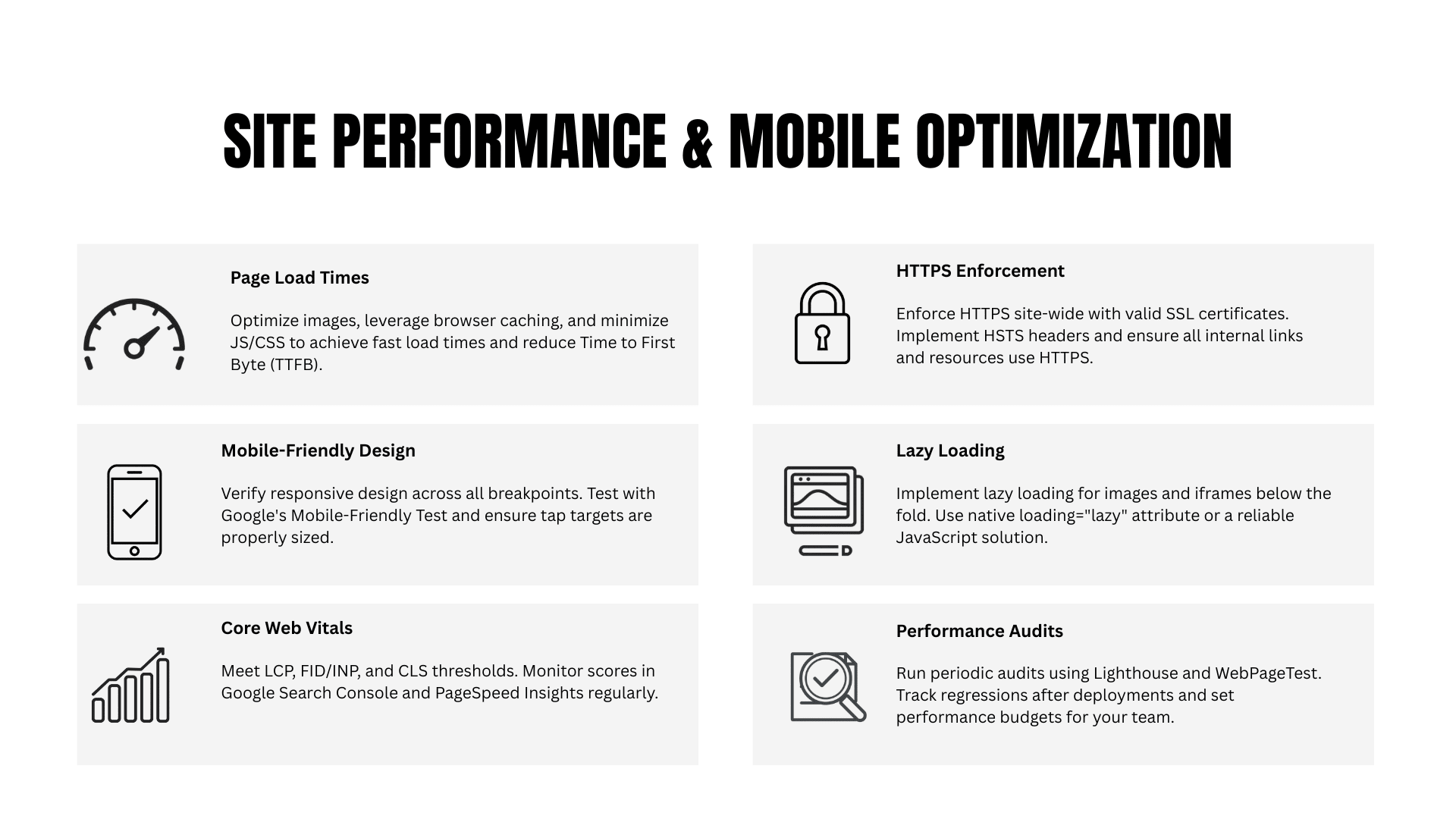
The robots.txt file controls crawler access but should never accidentally block important content.
Developers should verify:
Important pages are crawlable
CSS files remain accessible
JavaScript files remain accessible
XML sitemap is referenced
Admin areas are blocked
Sensitive folders are restricted
Small robots.txt mistakes can remove an entire website from search visibility.
5. Generate an Accurate XML Sitemap
An XML sitemap helps search engines discover important pages more efficiently.
A high-quality sitemap should include:
Canonical URLs
Updated pages
Indexable pages only
Correct last modified dates
Proper hierarchy
Avoid adding:
Redirected URLs
Noindex pages
Duplicate pages
Error pages
For larger websites, automated sitemap generation is recommended.
6. Implement Proper Canonical Tags
Canonical tags prevent duplicate content confusion.
Each indexable page should contain a self-referencing canonical unless another version is intentionally preferred.
Developers should check:
Canonicals match page URLs
HTTPS consistency
No broken canonical references
No canonical loops
Incorrect canonical implementation frequently causes indexing issues.
7. Ensure Mobile Responsiveness
Most searches now occur on mobile devices, making responsive design essential for both usability and rankings. Developers should test layouts across multiple screen sizes, ensuring that navigation, typography, buttons, forms, and media adapt seamlessly without requiring horizontal scrolling or excessive zooming.
Important checks include:
Responsive navigation menus
Readable font sizes
Appropriate touch target spacing
Flexible images and videos
Mobile-friendly forms
Stable page layouts
Responsive websites improve engagement metrics and reduce bounce rates, both of which contribute to a stronger overall user experience.
Comparison Table: Good vs Poor Technical SEO Implementation
Technical SEO ElementGood ImplementationPoor ImplementationURL StructureClean, descriptive, keyword-friendly URLsLong URLs with random parametersHTTPSEntire website securedMixed HTTP and HTTPS pagesRedirectsSingle 301 redirectMultiple redirect chainsCanonical TagsSelf-referencing and accurateMissing or conflicting canonicalsXML SitemapUpdated with indexable pages onlyIncludes errors, redirects, and duplicatesMobile DesignFully responsive across devicesDesktop-only layoutsImagesCompressed with descriptive alt textLarge file sizes and missing alt attributesInternal LinksLogical hierarchy with crawlable linksBroken or orphaned pages
8. Optimise Image Delivery
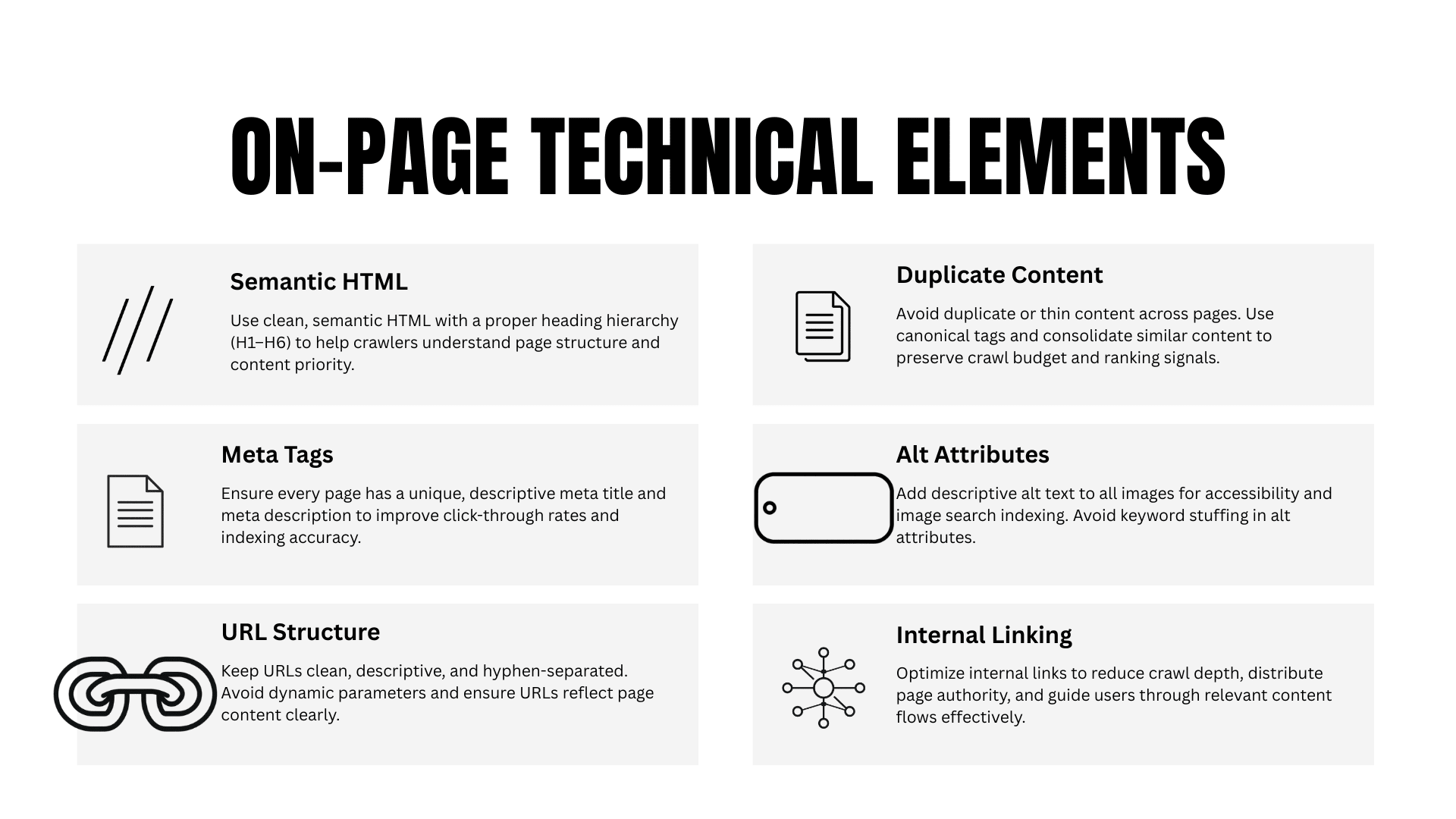
Large images are among the most common causes of slow-loading pages. Developers should compress images, use next-generation formats such as WebP where supported, define image dimensions, and implement lazy loading for below-the-fold content.
Image optimisation checklist:
Compress images before upload
Use responsive image sizes
Add descriptive alt attributes
Avoid oversized dimensions
Implement lazy loading where appropriate
Well-optimised images contribute to faster loading times and improved accessibility.
9. Build a Logical Internal Linking Structure
Search engines rely on internal links to discover and understand content relationships. Developers should ensure that important pages are reachable through crawlable HTML links and avoid creating orphan pages that cannot be accessed through the site's navigation.
A strong internal linking structure should:
Connect related content naturally
Keep important pages within a few clicks of the homepage
Use descriptive anchor text
Avoid excessive linking on a single page
Businesses expanding their digital presence often integrate technical optimisation with broader SEO strategies offered through the SEO services available on https://www.amzsoftinnovexa.com/.
10. Validate HTML Structure
Clean HTML improves accessibility, maintainability, and search engine understanding. Developers should follow semantic HTML principles by using appropriate heading levels, landmark elements, and properly nested tags.
Key checks include:
One primary H1 per page
Logical H2 and H3 hierarchy
Semantic elements such as<header>,<main>,<section>, and<footer>
Valid HTML markup
Descriptive title tags and meta descriptions
Semantic HTML provides clearer context for both users and search engines, making it an essential part of every Technical SEO Checklist for Developers.
Core Web Vitals and Performance Optimisation
A strong Technical SEO Checklist for Developers must prioritise website performance because Google considers user experience an important ranking signal. Fast-loading pages, responsive interactions, and stable layouts improve both search visibility and visitor satisfaction while reducing bounce rates.
Website speed is no longer just a developer concern. It directly affects SEO, conversions, customer trust, and engagement. Even a delay of one or two seconds can increase abandonment rates, especially on mobile devices.
Many websites appear visually attractive but perform poorly because they load excessive JavaScript, oversized images, unnecessary CSS libraries, and third-party scripts that block rendering.
Developers who optimise performance during development avoid significant technical debt later.
Understanding Core Web Vitals
Core Web Vitals are Google's key performance metrics used to measure real-world user experience.
The three primary metrics include:
Largest Contentful Paint (LCP)
Largest Contentful Paint measures how quickly the largest visible element appears on the screen.
A good target:
Under 2.5 seconds
Poor LCP is often caused by:
Large hero images
Slow server response
Render-blocking CSS
Heavy JavaScript
Unoptimised fonts
Improving LCP usually involves reducing unnecessary resources before the main content loads.
Interaction to Next Paint (INP)
Interaction to Next Paint measures how responsive a webpage feels when users click, tap, or type.
Developers should minimise:
Long JavaScript tasks
Blocking scripts
Heavy event listeners
Expensive DOM updates
Fast interaction creates a smoother browsing experience.
Cumulative Layout Shift (CLS)
CLS measures unexpected visual movement while a page loads.
Common causes include:
Images without dimensions
Advertisements loading late
Dynamic content insertion
Font swapping
Missing reserved layout space
Reducing layout shifts creates a more professional and user-friendly experience.
Minimise JavaScript Execution
JavaScript powers modern websites, but excessive scripting can delay rendering and make pages difficult for search engines to process.
Developers should:
Remove unused JavaScript
Split large bundles
Load scripts asynchronously
Use code splitting
Defer non-critical scripts
Avoid unnecessary frameworks
Real-world optimisation projects often reveal that over half of downloaded JavaScript is never executed on the initial page load.
Reducing unused code immediately improves performance.
Optimise CSS Delivery
Large CSS files delay rendering because browsers must download and process styles before displaying content.
Best practices include:
Remove unused CSS
Minify stylesheets
Inline critical CSS
Delay non-critical styles
Combine files where appropriate
Modern build tools make CSS optimisation much easier than manual approaches.
Improve Server Response Time
Even perfectly optimised frontend code cannot compensate for a slow server.
Developers should evaluate:
Hosting quality
Database queries
Backend processing
Caching
CDN configuration
API response times
Server response time significantly influences page loading performance.
Use Browser Caching
Browser caching stores static assets locally so returning visitors do not need to download them repeatedly.
Cache:
Images
Fonts
CSS
JavaScript
Icons
Proper cache headers reduce loading times and server requests.
Implement Content Delivery Networks (CDNs)
A CDN distributes website files across multiple geographic servers.
Benefits include:
Faster loading worldwide
Lower latency
Better scalability
Reduced server load
Improved reliability
For businesses serving international audiences, CDNs improve both user experience and global search performance.
Optimise Fonts
Fonts frequently slow websites more than expected.
Developers should:
Limit font families
Reduce font weights
Preload important fonts
Use modern formats
Avoid blocking font rendering
Simple font optimisation often delivers noticeable speed improvements.
Compress Website Resources
Compression reduces transferred file sizes.
Enable:
Gzip
Brotli
Compress:
HTML
CSS
JavaScript
SVG files
Smaller files download faster across all devices.
Reduce Third-Party Scripts
Marketing pixels, analytics platforms, chat widgets, heatmaps, and advertising scripts often account for a large percentage of page weight.
Developers should regularly audit:
Analytics tools
Social widgets
Advertising code
Chat applications
Tracking scripts
Only essential third-party scripts should remain.
Monitor Performance Continuously
Website optimisation is not a one-time task.
Development teams should monitor:
Core Web Vitals
Server uptime
Crawl errors
Page speed
Broken resources
User experience metrics
Continuous monitoring helps identify performance regressions after updates.
Crawlability, Indexing, and Website Architecture
A complete Technical SEO Checklist for Developers must ensure that search engines can efficiently crawl and index every important page. Even high-quality content cannot rank if crawlers encounter blocked resources, duplicate URLs, or confusing website architecture.
Many technical SEO problems arise because developers assume that if users can access a page, search engines can as well. In reality, crawlers follow different processes and depend on clear technical signals.
Design a Crawl-Friendly Website Architecture
A logical website structure helps both users and search engines navigate content efficiently.
Good architecture typically follows this pattern:
Homepage
│
├── Services
│   ├── Web Development
│   ├── SEO Services
│   └── AI Solutions
│
├── Blog
│   ├── Technical SEO
│   ├── Web Development
│   └── Digital Marketing
│
└── Contact
Best practices include:
Clear hierarchy
Logical categories
Consistent navigation
Limited click depth
Descriptive URLs
Pages buried deep within a website often receive less crawl attention.
Avoid Orphan Pages
Orphan pages have no internal links pointing toward them.
As a result:
Search engines struggle to discover them
Link equity is lost
Rankings may decline
User navigation suffers
Developers should routinely crawl websites to identify orphan content.
Optimise Navigation Menus
Navigation influences both user experience and crawl efficiency.
Effective navigation should be:
Consistent
HTML-based
Easy to understand
Mobile-friendly
Accessible
Avoid relying entirely on JavaScript-generated navigation.
Create Breadcrumb Navigation
Breadcrumbs improve navigation while helping search engines understand page hierarchy.
Example:
Home
>
Services
>
SEO
>
Technical SEO Checklist
Benefits include:
Better usability
Improved internal linking
Rich result eligibility
Clear hierarchy
Breadcrumbs are especially valuable for larger websites.
Prevent Duplicate Content
Duplicate content often appears because of technical implementation rather than intentional copying.
Common causes include:
HTTP and HTTPS versions
WWW and non-WWW versions
Parameter URLs
Printer-friendly pages
Session IDs
Pagination issues
Developers should consolidate duplicate versions using:
Canonical tags
Redirects
URL parameter handling
Handle Pagination Properly
Large blogs and e-commerce stores frequently contain paginated content.
Developers should ensure:
Crawlable page links
Logical URL structure
Internal linking consistency
Canonical implementation where appropriate
Pagination should improve navigation without creating unnecessary duplicate pages.
Optimise XML Sitemaps Regularly
XML sitemaps should evolve as websites grow.
Developers should automatically update sitemaps whenever:
New pages are published
Pages are deleted
URLs change
Content is updated
Dynamic sitemap generation reduces manual maintenance.
Manage Crawl Budget
Large websites benefit from efficient crawl budget management.
Developers can improve crawl efficiency by reducing:
Duplicate URLs
Infinite parameter combinations
Broken links
Redirect chains
Soft 404 pages
Efficient crawling helps search engines prioritise valuable pages.
Fix Broken Links
Broken links create poor user experiences and waste crawl resources.
Regular audits should identify:
Internal 404 pages
External broken references
Redirect loops
Missing images
Missing resources
Automated monitoring helps maintain website health over time.
Use Proper HTTP Status Codes
Search engines rely on status codes to understand page availability.
Developers should use:
200 — Working page
301 — Permanent redirect
302 — Temporary redirect
404 — Missing page
410 — Permanently removed content
500 — Server error
Returning incorrect status codes can confuse search engines and delay indexing.
Improve Internal Link Distribution
Internal links distribute authority throughout a website.
Developers should ensure important pages receive links from:
Homepage
Navigation
Related articles
Service pages
Footer where appropriate
Balanced internal linking strengthens crawl paths and helps search engines understand content relationships.
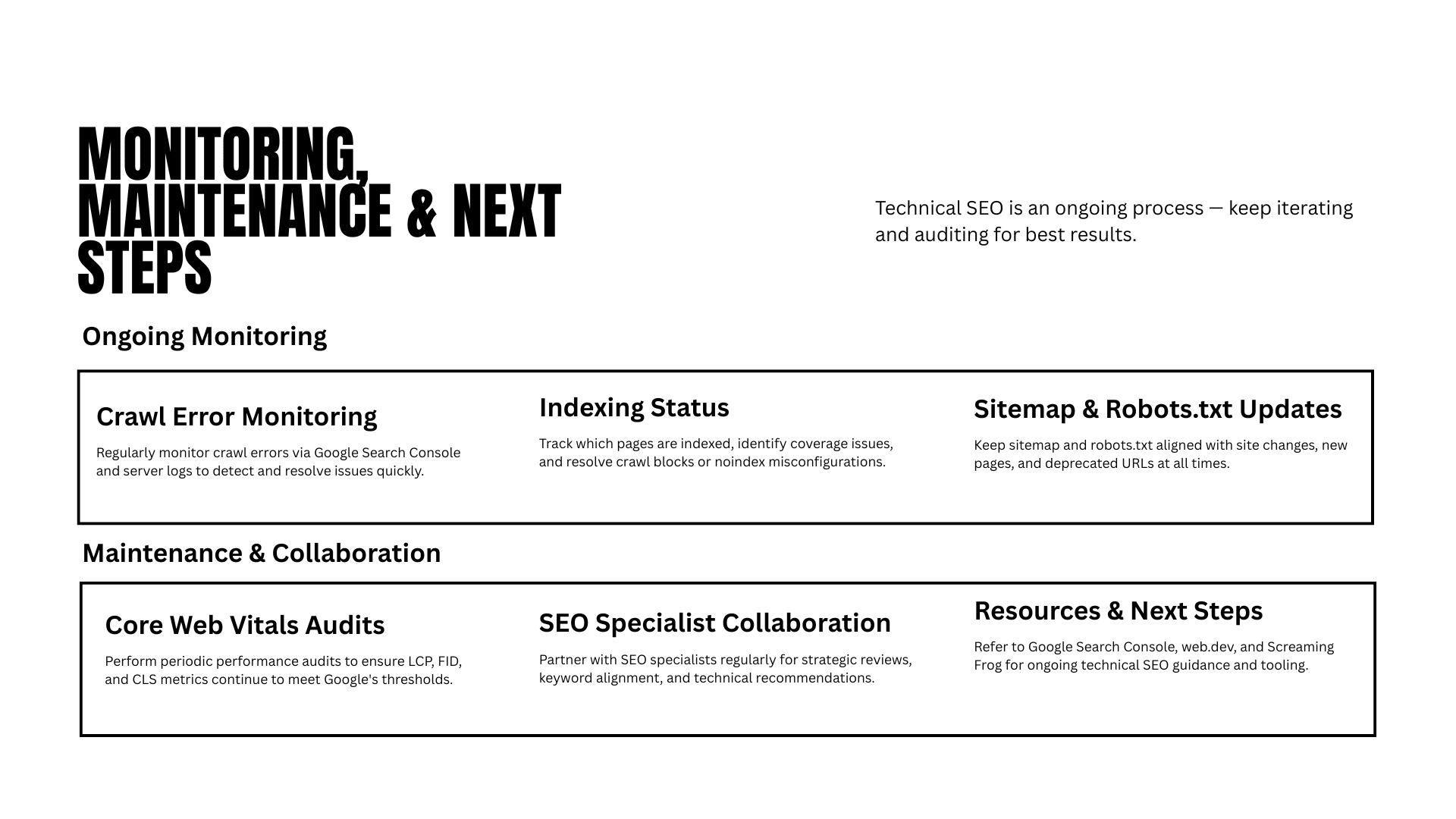
Work Closely with SEO Teams
Technical SEO performs best when developers and SEO specialists collaborate from the beginning of a project rather than after deployment.
A practical workflow includes:
Planning URL structures before development.
Defining metadata and schema requirements during design.
Validating crawlability in staging environments.
Running technical audits before launch.
Monitoring performance after deployment.
Reviewing search console reports regularly.
This collaborative approach reduces rework, improves deployment quality, and ensures that technical decisions support long-term organic growth.
Tags
Amzsoft Innovexa
Engineering and delivery notes from the Amzsoft Innovexa team — fintech platforms, AI automation, and product engineering.