At 11:47 p.m. on a Friday, someone fills out a contact form on a business's website. By Monday morning, that same person has already gotten quotes from two competitors. Nobody did anything wrong here — the form worked, the email landed in an inbox, the process technically functioned. It just wasn't fast enough. And this is the quiet, unglamorous problem that most conversations about AI lead capture are actually trying to solve.
AI lead capture is the use of artificial intelligence to collect, verify, and act on information from a potential customer the moment it arrives, instead of waiting for a person to notice it hours or days later. Pair that with CRM synchronization — keeping a CRM system updated automatically as new information comes in — and businesses end up with something manual processes were never going to deliver on their own: speed, consistency, and far fewer leads disappearing into an inbox nobody checks over the weekend.
What follows is a look at how AI lead capture actually works, how it plugs into CRM systems, what qualification and routing look like in practice, and where things tend to go wrong during implementation. Along the way, there's a look at how a service like Amzsoft Innovexa's AI Lead Capture & CRM Sync fits into solving this — not as a magic fix, but as a practical way to close the gap between "a lead showed interest" and "someone actually followed up."
What is AI lead capture and how does it change the way businesses manage incoming leads?
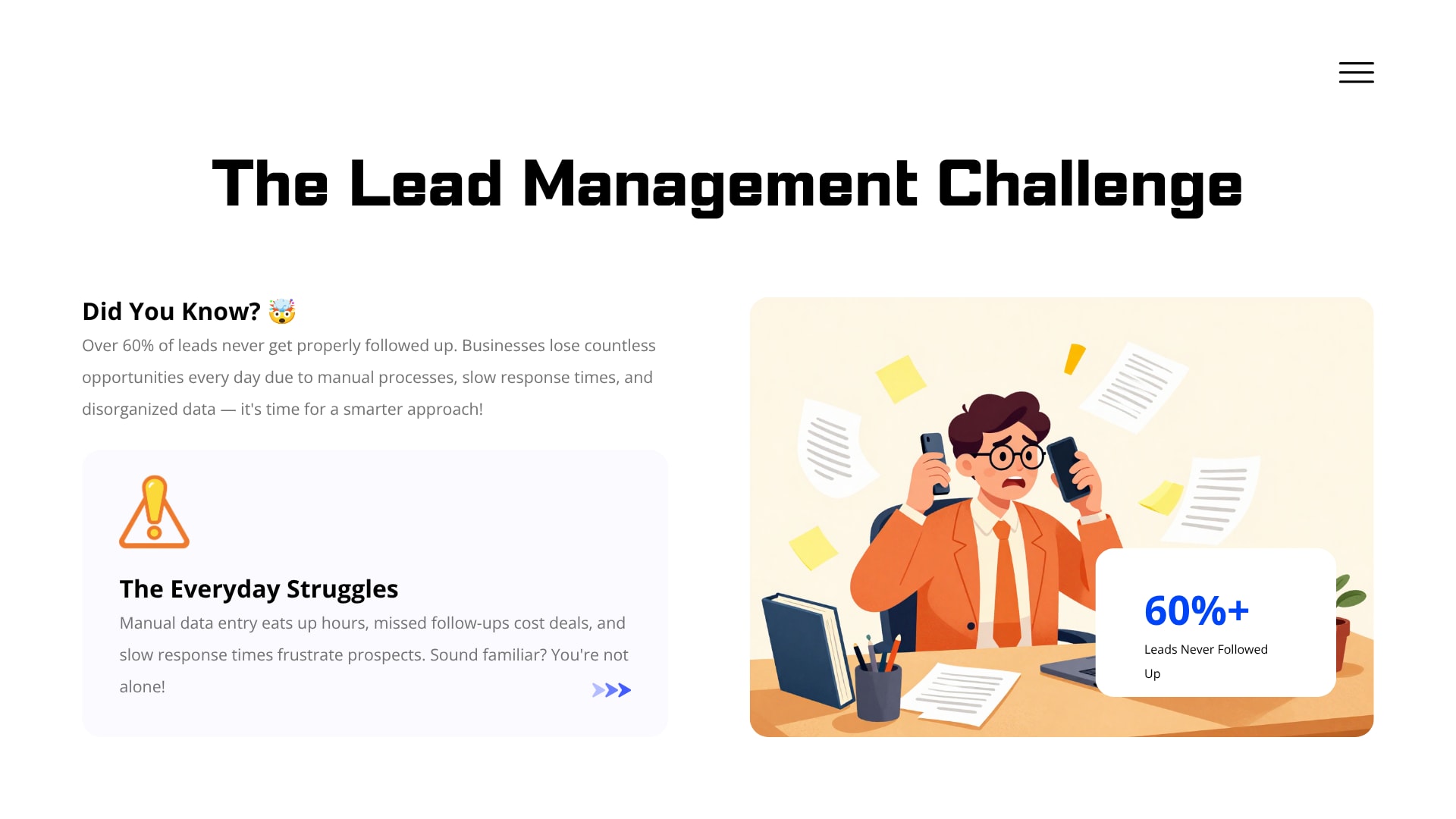
AI lead capture uses artificial intelligence to identify, collect, and organize information about a potential customer as soon as they make contact — through a website form, a chatbot, a phone call, or a message on WhatsApp. A person doesn't have to copy that information into a spreadsheet or CRM by hand. The system does it, usually adding useful context like where the lead came from and how urgent it seems.
The real shift isn't that AI replaces salespeople. It's that it closes the gap between a customer showing interest and someone at the business actually knowing about it.
What does AI lead capture actually mean?
Strip away the terminology and it comes down to this: software watches for signs that someone is interested in what a business sells, then records that information in a structured way without a human doing the data entry. The signal might be a form submission. It might be a chatbot exchange, a missed call, or a message sent to a business's WhatsApp number.
Three things usually have to happen for this to count as "AI" rather than just automation:
The system pulls relevant details out of messy, unstructured input — a rambling chat message, a voicemail transcript, whatever the customer actually typed or said.
It checks that information against records already sitting in the CRM, so the same person doesn't end up as three separate entries.
It applies some kind of scoring or rule set to judge how promising the lead looks, then triggers whatever should happen next — a CRM entry, a notification, an automatic reply.
None of these steps is particularly exotic by itself. The value comes from doing all three in seconds, every time, whether it's 2 p.m. on a Tuesday or 2 a.m. on a Sunday.
How is AI lead capture different from a traditional lead capture form?
A regular contact form does exactly one job — it collects information and dumps it somewhere, usually an inbox. What happens after that is entirely up to whoever checks that inbox next, and how quickly they do it.
AI-powered lead capture goes a step further. It doesn't just store the submission; it reads it. It can tell the difference between someone asking a general question and someone who's clearly ready to buy, just from how the message field is worded. It can flag whether the phone number already exists somewhere in the CRM. It can decide who on the team should see this lead first, instead of leaving that up to whoever happens to open their email.
The difference shows up most clearly in response time. A traditional form can sit untouched for hours. An AI-driven version can send an acknowledgment, log a CRM record, and ping the right person almost the instant the submit button is clicked.
Why do businesses need AI-powered lead capture today?
Buyers move fast now. Someone comparing five vendors will often message all five within the same afternoon, and the business that responds first frequently wins the deal regardless of price or features. That single dynamic explains most of the current interest in automated lead handling.
What happens when leads are handled manually?
Manual handling fails in predictable, almost boring ways. A form comes in after hours and sits until the next business day. A rep is in back-to-back meetings and doesn't see a message from someone who was genuinely ready to buy. Someone types a phone number wrong while rushing between calls. None of this is a failure of effort — it's simply what happens when a human being is the only thing keeping a process moving.
Volume makes it worse. A business getting five leads a day can manage fine without automation. A business getting two hundred a day, spread across four different channels, cannot do the same thing without either hiring a much bigger team or building automation into the process somewhere.
How does AI reduce response delays?
It removes the dependency on a person noticing something in real time. The moment a lead comes in, the system can send an acknowledgment, create the CRM record, and alert whoever should follow up — all before a human has even opened their inbox.
That doesn't mean every lead gets an instant phone call. It means the lead gets recorded correctly and the right person finds out about it far sooner than they otherwise would. The gap between "an hour" and "a day" is often exactly what decides whether a prospect sticks around or moves on to the next option.
How does AI capture leads across different channels?
Most businesses aren't relying on one source of leads anymore. Website forms, live chat, WhatsApp, phone calls, and social ads often all feed the same pipeline, and each one behaves differently enough that treating them identically doesn't really work.
Website forms and live chat
Forms are still the most common entry point, but AI adds something beyond simple field validation — it can flag incomplete or suspicious submissions and pull meaning out of open-text fields instead of just storing them as a blob of text. Live chat can go further still, asking a few qualifying questions mid-conversation and turning the answers into structured data rather than a scroll of chat history nobody reads later.
WhatsApp and messaging apps
A lot of customers now would rather message a business than email or call one, especially in markets where WhatsApp functions as the default communication channel. AI tools can sit on top of these conversations, pull out the relevant details — name, product interest, location — and push all of it into a CRM record without anyone manually retyping a chat transcript.
Phone calls and voice inputs
Calls are harder to capture manually, because someone has to be actively taking notes while also having the conversation. AI-based call handling can transcribe the call, pick out the useful details, and create or update a CRM record automatically — giving the sales team a written record even for calls nobody wrote anything down for.
Social media and paid ads
Leads from social platforms or ad campaigns often land in a completely separate system from a business's main CRM, disconnected from everything else. AI integrations can pull this data across automatically, tagging each lead with its original source so the sales team knows exactly where it came from and can tailor the follow-up instead of sending a generic message.
How does AI lead capture connect with a CRM system?
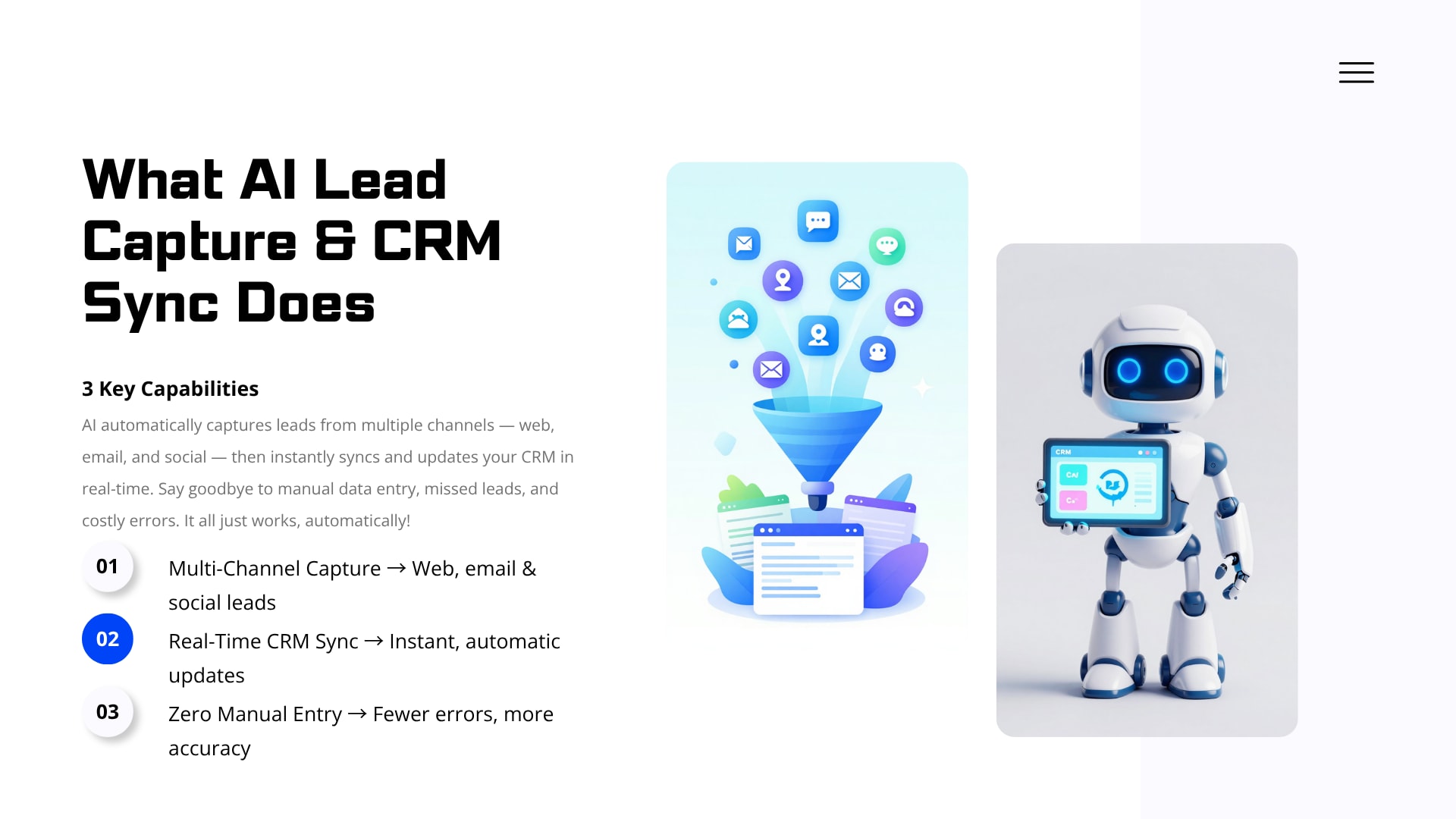
The connection happens through integrations that pass data between the two systems as it's collected — no spreadsheet exports, no copy-pasting. The lead capture tool sends structured information straight into the CRM the moment it's gathered, creating or updating a record without a person in the loop.
This is really what separates a lead capture tool from an actual lead management system. Collecting information is only useful if it lands somewhere the sales team is actually working from. When that connection is automatic, there's no window where a lead sits unused, waiting for someone to move it by hand.
How do CRM synchronization, lead qualification, and automated routing work together?
CRM synchronization keeps data current across systems, qualification figures out how promising a lead is, and routing sends it to the right person without anyone manually sorting through a list. Put together, these three functions turn a messy stream of inquiries into an organized pipeline a sales team can act on right away, instead of a backlog someone has to work through later.
How does CRM synchronization keep customer data accurate?
It works by continuously updating records across connected systems so every team sees the same current information. If a lead updates their phone number in a support chat, that change shows up in the CRM without anyone going in and editing a second copy of the record by hand.
What is data mapping in CRM sync?
Data mapping matches fields from one system to the right fields in another — making sure "Full Name" on a website form lands in the "Contact Name" field in the CRM, rather than creating some new, unlabeled field nobody knows what to do with. Skip this step, or get it wrong, and information ends up scattered under inconsistent labels that nobody trusts enough to actually use.
It's not an exciting part of the process. It's also the part that quietly determines whether the CRM ends up genuinely useful or just full of data nobody looks at.
How does CRM integration prevent leads from getting lost?
It removes the manual step where a person has to remember to enter something into the system. Picture a business pulling leads from a website, a Facebook campaign, and a WhatsApp number that don't talk to each other. Without integration, someone has to check all three sources separately and stitch the results together by hand — and it's easy for one of them to get less attention than the others simply because checking it isn't part of anyone's daily routine.
With CRM integration, all three feed into one system automatically. Nothing depends on someone remembering to open a particular inbox on a particular day.
How does AI lead scoring and qualification work?
Lead scoring assigns a value to each lead based on how closely it resembles a business's best customers — job title, company size, stated budget, behavior like visiting a pricing page three times in one day. Qualification then uses that score to decide who gets attention first, so a sales team isn't spending equal time on every inquiry regardless of how promising it actually is.
What criteria are typically used to qualify a lead?
The usual factors include:
Budget — often inferred from company size or a stated spending range
Authority — whether the person contacting the business looks like an actual decision-maker
Need — how closely their inquiry matches a specific product or service
Timeline — any mention of urgency or a deadline
Engagement — how they interacted with the business before ever filling out a form
No single one of these is reliable on its own, which is why decent scoring systems weigh several together instead of leaning on one signal.
How does automated lead routing decide who receives a lead?
Routing assigns each qualified lead to a specific person or team based on rules set in advance — territory, product interest, deal size, or who currently has room on their plate. Instead of a manager deciding case by case, the same logic applies every single time.
A lead interested in an enterprise package might go straight to a senior account executive. A smaller inquiry might go to a general rep. Someone in a specific region gets routed to whoever handles that territory. All of it happens instantly, and that speed matters — the rep who reaches a hot lead first usually has a real edge over the one who calls a few hours later.
How does automated lead follow-up keep prospects engaged?
Automated lead follow-up uses predefined workflows to send messages or reminders without a person having to trigger each one manually — an immediate acknowledgment after a form submission, a check-in a few days later, or a nudge to a rep if a lead hasn't been contacted within a set window.
Think about a qualified prospect who submits a detailed inquiry and hears nothing for three days. That silence alone is often enough to lose the deal, no matter how good the eventual pitch would have been. Automated follow-up closes that gap by guaranteeing some form of contact happens quickly — even if it's just a message confirming the request landed and someone will reach out.
What role does human handoff still play?
Automation handles the repetitive, time-sensitive parts. Actual conversations, negotiation, and relationship-building still need a person. A well-built system knows when to step back — once a lead replies with a specific question, shows real interest, or crosses a certain score threshold, a human should be the one taking it from there.
The point isn't removing people from the process. It's making sure they show up at the right moment, with accurate information already sitting in front of them, instead of starting cold or missing the window entirely.
Can AI prevent duplicate leads from entering a CRM?
It can cut duplicates down considerably by checking new submissions against existing records before creating anything new — matching on email, phone number, or name. When it finds a match, it updates the existing record instead of spinning up a second, disconnected one.
This matters more than it sounds like it should. Duplicate leads waste time, mess up reporting, and sometimes result in the same person getting two or three different follow-up messages from two or three different reps at the same company — which looks disorganized from the customer's side, even when everyone involved had good intentions.
Which everyday business situations show why this matters?
A handful of realistic scenarios show how all these pieces fit together:
A visitor fills out a website form at midnight. The system captures it, checks for duplicates, scores it, and builds the CRM record before the office even opens the next day.
A lead messages a WhatsApp number with just a name and a product question. AI pulls what's available, creates a partial record, and flags what's missing so the rep knows to ask for it.
A rep gets a lead with an email address but no phone number, sourced from a paid ad. The CRM record shows the gap clearly, instead of the rep discovering it mid-call and scrambling.
Two team members almost follow up with the same prospect because the lead came in twice, through two different channels. Deduplication catches it and merges the records first.
A detailed inquiry sits in a shared inbox for four days because nobody happened to open it. An automated reminder to the team prevents exactly this kind of delay.
A business collects leads through its website, a Facebook page, and an in-store tablet, and none of the three systems talk to each other. CRM synchronization pulls all three into one usable pipeline.
None of these are hypothetical edge cases. They're the kind of thing that happens to almost any business handling more than one lead source at a time.
How can businesses implement, compare, and choose an AI lead capture and CRM sync solution?
Most businesses move through three stages — manual handling, then basic automation like autoresponders or simple form-to-email rules, then a fully AI-driven workflow covering capture, scoring, routing, and follow-up together. Which stage makes sense depends mostly on how many leads come in, how many channels they arrive through, and how much manual coordination the sales team can realistically keep up with.
How does an AI-powered workflow compare to manual and basic automation approaches?
ApproachLead CaptureCRM SyncFollow-UpManual WorkManual processLimited, relies on staff checking inboxesUsually manual data entryManual, often delayedHighBasic automationGood for single channelsPartial, may require manual reviewSome automation, limited logicMediumAI-powered workflowAdvanced, works across multiple channelsAutomated and continuously updatedAutomated with human handoff at key pointsLower
None of this means manual is always the wrong call — a small business fielding a handful of leads a week probably doesn't need to automate anything yet. But once volume and channel count climb, manual and even basic automation tend to leave more gaps than they close.
What business use cases benefit most from AI lead capture?
Some businesses feel the benefit almost immediately:
Real estate agencies, where inquiries land at all hours and how fast someone responds often decides whether a buyer stays interested.
Service businesses — clinics, salons, contractors — juggling calls, forms, and messaging apps all at once.
B2B software and consulting firms, where getting a lead to the right specialist matters more than raw speed alone.
E-commerce and retail brands running several ad campaigns at once, each generating its own separate stream of interest that needs consolidating.
Educational institutions managing a flood of enrollment inquiries across phone, email, and web forms during peak season.
The common thread isn't industry. It's a pattern: leads coming from more than one place, a need to respond quickly, and a team too small or too stretched to track it all by hand.
What challenges commonly appear during implementation?
Adopting this kind of system isn't friction-free. A few things tend to trip businesses up:
Messy existing data. If a CRM already has duplicate or badly formatted records, automation amplifies that mess rather than quietly fixing it.
Over-engineered routing rules. Trying to account for every conceivable scenario upfront usually produces a system that's harder to maintain than a simpler one would have been.
Ignoring the handoff point. Automate too much of the conversation and it starts to feel impersonal fast, because no human ever actually enters the picture.
Gaps between tools. Not every lead source connects cleanly to every CRM out of the box — some need custom setup rather than a simple toggle.
No clear ownership. If nobody's responsible for watching how the automation performs, small problems sit unnoticed for weeks.
None of these are arguments against automating. They're arguments for rolling it out carefully instead of assuming it'll work perfectly the day it goes live.
What best practices help businesses get real value from AI lead management?
A few habits separate businesses that actually get value from AI lead management from those that just bolt on some software and hope:
Clean up CRM data before connecting new automation to it, not after.
Start with a small set of routing and follow-up rules, then expand based on what actually happens rather than what seems logical on paper.
Keep a defined point where a human takes over the conversation.
Revisit lead scoring criteria every so often, since what counts as a "good" lead tends to shift as the business changes.
Watch for duplicate records and mapping mistakes closely during the first few weeks.
Confirm that every lead source — including newer ones like WhatsApp — is actually wired in, rather than assumed to be.
How should a business evaluate an AI lead capture and CRM sync solution?
A long feature checklist is less useful here than a handful of direct questions:
Does it connect to the CRM the business already uses, or would switching CRMs be required?
Can it capture leads from the specific channels that actually matter to this business, including messaging apps?
How is lead scoring configured, and can the criteria change as the business learns more?
Where exactly does human handoff happen, and can that point be adjusted?
How does it handle duplicate detection and data mapping across sources?
What kind of support exists if something doesn't sync the way it's supposed to?
Answering these honestly before signing anything tends to prevent most of the implementation headaches described above.
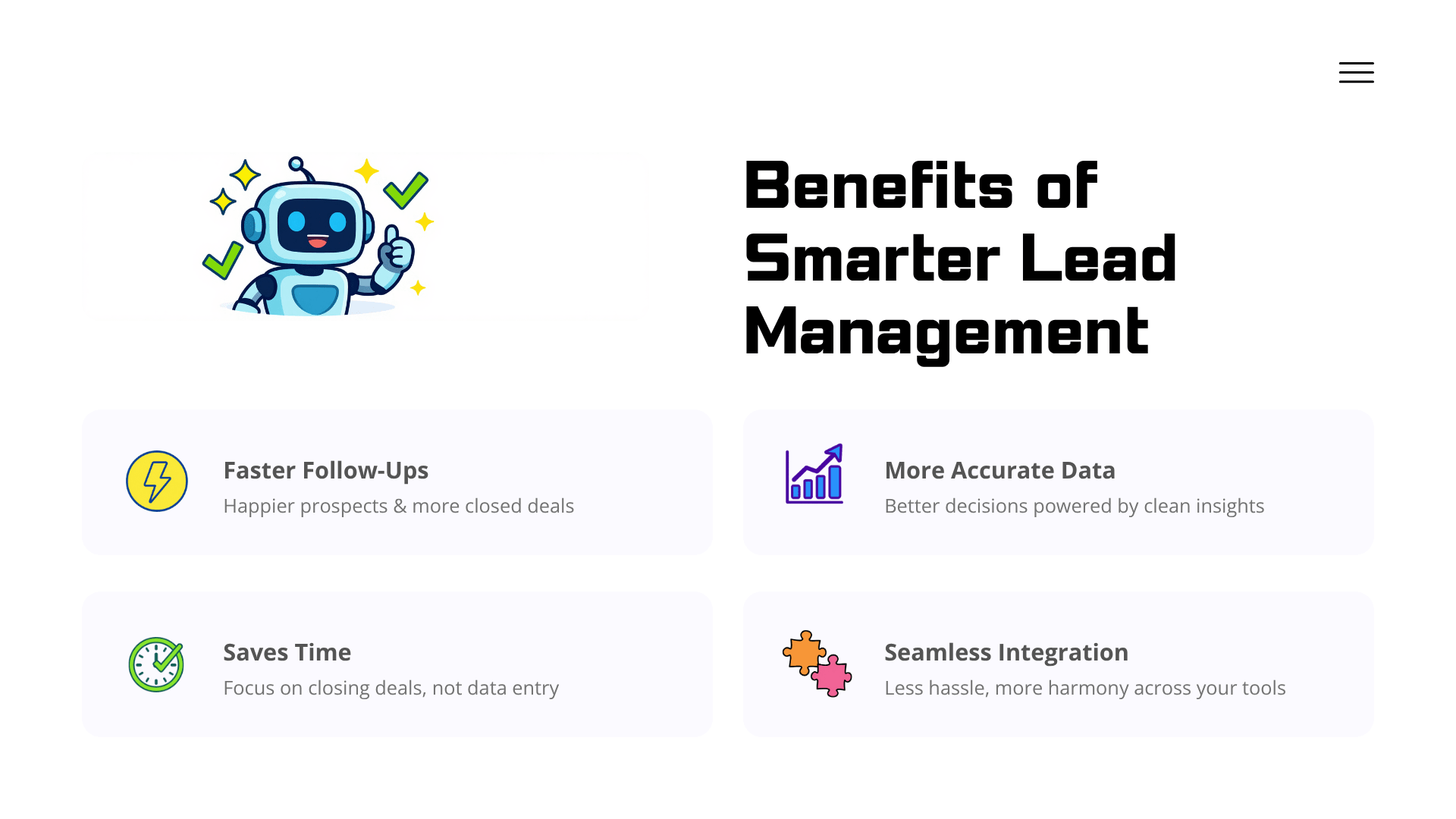
How can businesses implement AI lead capture and CRM synchronization?
In practice, this means connecting existing lead sources to a CRM, deciding how leads get scored and routed, and building follow-up workflows that still leave room for a person to step in at the right moment. That's the specific work behind Amzsoft Innovexa's AI Lead Capture & CRM Sync service.
Amzsoft Innovexa works on the practical side of this — connecting sources like websites, forms, and messaging channels to a CRM, mapping fields correctly, setting up qualification and routing logic, and building follow-up sequences that don't try to remove people from the process entirely. Rather than treating automation as a single switch to flip, the focus stays on whatever specific gap a business is actually dealing with, whether that's slow response times, messy CRM data, or lead sources that currently don't talk to each other at all.
For a business trying to figure out where to start, taking stock of current lead sources and pinpointing where delays or data gaps show up most often is a reasonable first move — and it's the conversation Amzsoft Innovexa's lead capture and CRM integration service is built to have.
For additional technical context, Salesforce's documentation on lead management and the HubSpot Knowledge Base on lead scoring are both worth a look, since they cover how qualification and CRM structure work on specific platforms.
Businesses that get to the point of juggling multiple lead channels with a team too small to track it all manually usually find that automated lead capture pays off gradually — through fewer missed opportunities over time, not through any single dramatic jump.
Frequently Asked Questions
What is AI lead capture?
It's the use of artificial intelligence to collect, organize, and act on information from potential customers as soon as they make contact — through a form, chat, call, or messaging app — without someone manually entering the data.
How does AI lead capture work with a CRM?
It connects directly to the CRM through an integration, sending new or updated lead information in automatically. Records stay current without anyone manually moving data between platforms.
Can AI automatically qualify new leads?
Yes. It can weigh factors like budget, authority, need, and timeline, then assign a score that helps a sales team decide who to call first.
What is CRM lead automation?
It's using rules or AI logic to handle repetitive lead tasks — data entry, scoring, routing, follow-up — without a person doing each step by hand.
How does automated lead follow-up work?
It sends messages or reminders based on set triggers — an acknowledgment right after a form submission, or a nudge to a rep if a lead's gone untouched for too long.
Can AI prevent duplicate CRM leads?
It can catch most of them, by matching new submissions against existing records on email or phone number and updating the existing one instead of creating a new entry.
Which businesses benefit from AI lead capture?
Mainly ones pulling leads from several channels at once and needing to respond fast — real estate, service businesses, B2B firms, e-commerce brands.
How does CRM integration improve lead management?
It pulls leads from different sources into one system, so nothing gets missed because it came in through a channel someone forgot to check that day.
Is AI lead capture suitable for small businesses?
Often, yes — though how much automation makes sense depends on volume. A business getting a handful of leads a week needs less than one juggling several channels and rising inquiry counts.
How can a business implement AI lead capture?
Usually by connecting existing lead sources to a CRM, setting qualification and routing rules, and building follow-up workflows — the kind of work Amzsoft Innovexa's AI Lead Capture & CRM Sync service is built around.
Conclusion
Lead capture rarely breaks in one dramatic moment. It erodes through small delays, channels that don't talk to each other, and CRM data that's just slightly off in ways nobody notices until it costs a deal. AI lead capture and CRM synchronization go after that erosion directly — making sure information moves from "a lead showed interest" into a system the sales team actually works from, without relying on someone remembering to check the right inbox at the right time.
This doesn't replace good sales instincts or an actual relationship with a customer. What it removes is the avoidable delay sitting between a prospect's first message and a business's first reply. For teams deciding where to start, Amzsoft Innovexa's AI Lead Capture & CRM Sync service is built specifically around that gap — connecting lead sources, cleaning up how data flows, and setting up the follow-up logic that keeps leads from quietly falling through.
Tags
Amzsoft Innovexa
Engineering and delivery notes from the Amzsoft Innovexa team — fintech platforms, AI automation, and product engineering.