Lead Capture & CRM Automation connects the places where prospects start conversations with the systems that sales teams use to manage opportunities. Instead of relying on manual copying between forms, chat, spreadsheets, email, WhatsApp, and CRM platforms, automated workflows can capture information, validate it, qualify prospects, assign ownership, and trigger follow-up actions.
For many businesses, the problem is not generating interest. The bigger problem is managing that interest consistently.
A website visitor may submit a form after business hours. Another prospect may start a WhatsApp conversation. A third may speak with an AI chatbot and provide information about company size, requirements, budget, or preferred service. If those conversations remain scattered across different systems, sales teams can lose context and respond late.
Lead capture automation creates a connection between these interactions and the sales process.
CRM automation then determines what happens after the lead enters the system.
The result is a structured workflow in which information can move from the first interaction toward qualification, routing, follow-up, and eventually an opportunity in the sales pipeline.
This approach does not mean removing sales representatives from the process. Effective automation handles repetitive administrative work while people remain responsible for judgment, negotiation, relationship building, and complex conversations.
What Is Lead Capture & CRM Automation and How Does It Work?
Lead Capture & CRM Automation is the process of automatically collecting prospect information and transferring it into a customer relationship management system, where predefined workflows can qualify, organize, score, route, and follow up with leads. It connects marketing and sales activities so valuable inquiries do not remain trapped in disconnected tools.
A typical workflow can look simple from the outside:
A prospect visits a website.
The prospect completes a form or starts a conversation.
A chatbot or form collects relevant information.
The system validates the submitted data.
Existing CRM records are checked for duplicates.
The lead is created or updated.
Qualification rules determine lead quality.
A score may be assigned.
Routing rules select the appropriate salesperson.
The CRM creates tasks or follow-up actions.
The sales representative receives the qualified lead.
Reporting systems track the result.
The exact workflow depends on the business model, CRM platform, sales process, and available data.
What is lead capture automation?
Lead capture automation uses software to collect prospect information without requiring a salesperson to manually enter every record.
Traditional lead capture often depends on a form that sends an email notification. A sales employee then reads the email, copies the details into a spreadsheet or CRM, determines who should handle the inquiry, and starts the follow-up process.
An automated system can connect these steps.
For example, a real estate company may receive inquiries through property pages. A visitor might provide a name, phone number, preferred location, property type, and approximate budget. The workflow can place that information directly into the CRM, identify the relevant property team, and create a follow-up task.
The sales team can therefore begin with structured information instead of an empty CRM record.
How do website forms capture and transfer lead data?
Website forms collect predefined fields such as name, email address, phone number, company, location, service interest, or project requirements.
An integration can transfer those fields to the CRM.
Field mapping determines where each piece of information belongs. For example:
First name → Contact first name
Company name → Account or company
Email → Email address
Service interest → Product or custom field
Lead source → Marketing source
Message → Inquiry notes
Good field mapping prevents incomplete or incorrectly categorized records.
How does chatbot lead capture work?
Chatbot lead capture uses a website conversation to collect information through natural-language interaction.
Instead of presenting a long form, a chatbot may ask a series of questions. The questions can change depending on previous answers.
For example, a software company may ask:
What type of business is involved?
Which software problem needs attention?
How many users require access?
Is an existing CRM already being used?
What timeframe is being considered?
The chatbot can collect the answers and send structured information to the CRM.
A conversational approach can be especially useful when the initial inquiry requires context rather than only contact details.
How does CRM automation manage captured leads?
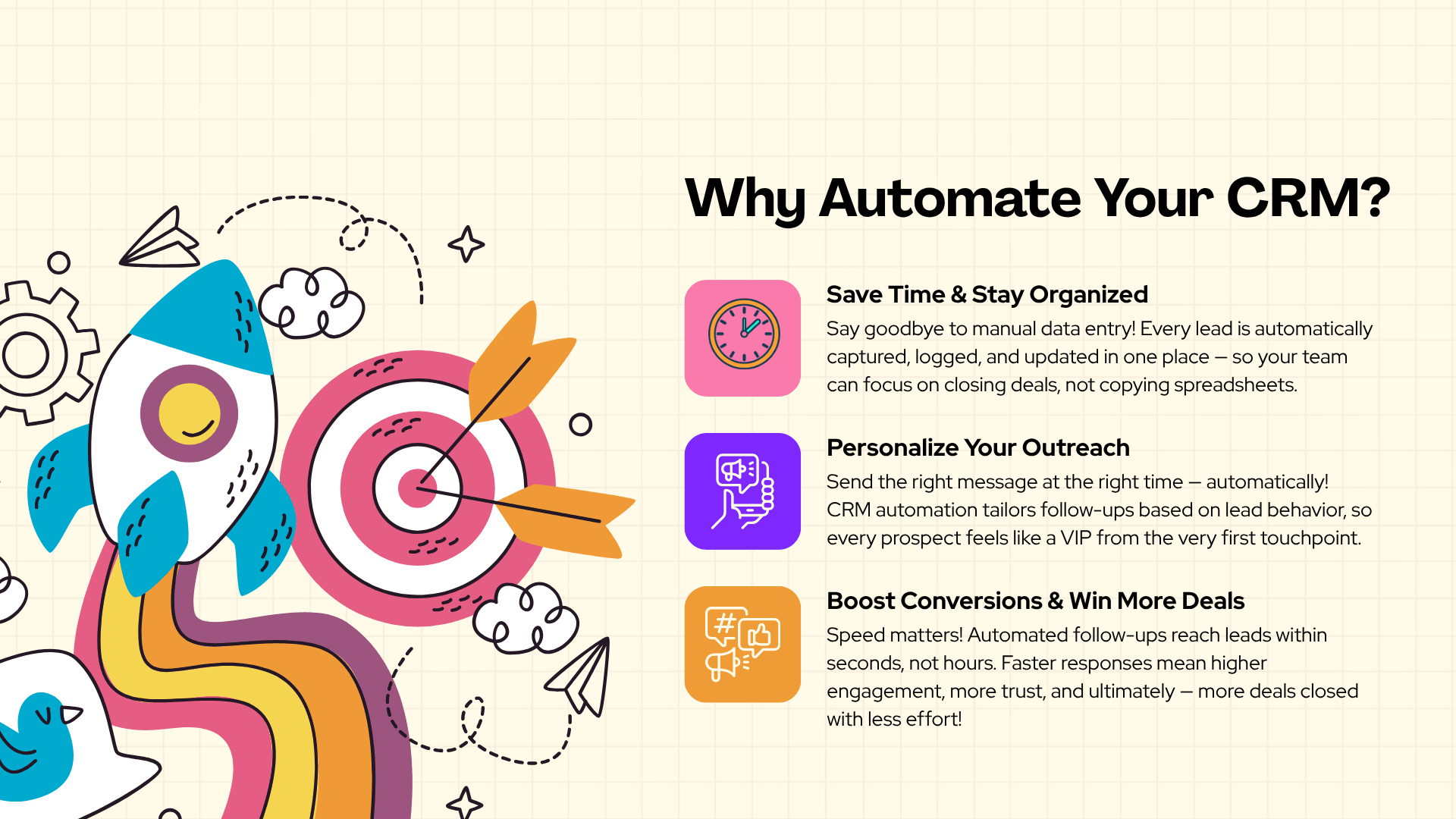
CRM automation determines what happens after a lead is stored. Rules can update records, assign owners, create tasks, change pipeline stages, trigger notifications, send approved follow-ups, and initiate additional workflows.
The important distinction is that lead capture answers “How does the business collect the prospect?”, while CRM automation answers “What happens after the prospect enters the system?”
A well-designed workflow connects both.
For example, a lead arriving through website chat could be tagged as “Website Chat,” checked against existing contacts, assigned a score, routed to an appropriate sales queue, and given a follow-up task.
HubSpot provides lead pipeline automation that can trigger actions around lead creation and movement between stages.
How are CRM fields mapped between systems?
CRM field mapping matches information from one system with the correct field in another system.
A chatbot may call a field “company_size,” while a CRM may call the equivalent field “Number of Employees.” The integration needs to understand that both represent the same information.
Incorrect mapping can create problems such as:
Phone numbers entering the wrong field
Lead sources being lost
Qualification answers being stored as notes instead of structured data
Duplicate custom fields
Missing information for sales representatives
Field mapping should therefore be designed before the integration is launched.
How does data validation improve lead quality?
Data validation checks whether submitted information meets predefined rules.
A system might verify that an email address has an acceptable format, a required field is completed, or a phone number contains an appropriate number of digits.
Validation cannot guarantee that every piece of information is genuine. It can, however, prevent many avoidable data-quality problems.
How does AI-powered lead qualification work?
AI-powered lead qualification analyzes information from conversations, forms, CRM records, and predefined business rules to determine whether a prospect appears relevant to the sales process.
AI can identify signals in conversational responses that may be difficult to capture through a basic form.
For example, a prospect might explain that a company has an existing CRM, receives a large number of inbound inquiries, and needs automated routing immediately. An AI assistant can extract those requirements and pass structured information to the CRM.
AI qualification should support, rather than replace, business-defined criteria.
Which information can AI assistants collect?
Depending on the workflow, an AI assistant can collect information such as:
Business type
Company size
Service requirement
Product interest
Geographic market
Existing software
Approximate project timeline
Common pain points
Contact details
Preferred communication channel
The information collected should be relevant to the sales process. Collecting unnecessary personal information increases data-management responsibilities without necessarily improving qualification.
When should AI hand a conversation to a human?
Human handoff is appropriate when a conversation requires judgment, negotiation, sensitive handling, technical expertise, or a decision outside the AI assistant's approved scope.
Examples include:
Complex pricing negotiations
Enterprise procurement discussions
Complaints
Highly specific technical questions
Contract questions
Sensitive customer situations
Requests that require account history
The AI can summarize the conversation before transferring it, allowing the human representative to understand the context without asking the prospect to repeat everything.
How Does CRM Automation Improve Lead Management and Sales?
CRM automation improves lead management by reducing repetitive administrative work and creating consistent processes for lead assignment, qualification, follow-up, and pipeline updates. Instead of depending on individual employees to remember every step, businesses can encode repeatable rules into workflows and give sales teams cleaner, more timely information.
The value becomes clearer when the volume of inquiries increases.
Suppose a B2B software company receives 80 website inquiries in a week. Without automation, a coordinator might review each message, copy information into Salesforce, check for duplicate records, decide which representative should receive each lead, and send an initial response.
An automated workflow can perform much of the administrative process.
Salesforce supports lead fields, assignment rules, queues, lead capture, and website lead capture through its lead-management capabilities.
How does automated lead routing work?
Automated lead routing assigns incoming prospects according to predefined rules.
Routing can consider:
Geographic location
Product interest
Industry
Company size
Language
Sales territory
Lead score
Existing account ownership
Availability of a sales representative
A healthcare software inquiry, for example, may need to reach a representative who handles healthcare accounts rather than a general sales queue.
How are leads assigned by location, product, or sales territory?
A routing workflow can use specific CRM fields to determine ownership.
A lead from Dubai could be routed to a GCC sales team. A lead interested in enterprise software could go to an enterprise account representative. A lead interested in a specific product could be routed to a specialist.
The quality of routing depends on the accuracy of the data entering the CRM.
How can round-robin routing distribute leads fairly?
Round-robin routing distributes leads among eligible sales representatives in sequence.
For example:
Lead 1 → Salesperson A
Lead 2 → Salesperson B
Lead 3 → Salesperson C
Lead 4 → Salesperson A
More advanced workflows can consider availability, workload, territory, or expertise rather than simply following a fixed sequence.
How does automated lead scoring help sales teams prioritize prospects?
Automated lead scoring assigns values to prospects based on predefined characteristics or behaviors. A high score may indicate that a lead fits the target customer profile and has demonstrated stronger buying intent.
Scoring can consider:
Company size
Industry
Service interest
Website activity
Form submissions
Content engagement
Meeting requests
Product interactions
Responses to sales outreach
Salesforce describes AI-supported lead prioritization as a way to help sales teams focus on higher-value prospects, while HubSpot provides automated lead-management and prospecting capabilities.
Which signals can influence a lead score?
A scoring model should reflect the actual sales process.
For example, a B2B technology company might give stronger weight to:
Requesting a product demonstration
Providing a company email
Selecting an enterprise requirement
Booking a meeting
Describing an immediate project need
A casual website visit should generally carry less weight than an explicit request for a sales conversation.
Why should lead scores be reviewed over time?
Lead behavior changes.
A prospect that appeared inactive last month may download documentation, return to the website, request pricing, and book a meeting later.
Scoring should therefore be reviewed periodically. Historical sales outcomes can help determine whether high scores actually correspond with qualified opportunities.
How can businesses automate follow-ups and sales workflows?
Automated sales workflows can create reminders, update records, send approved communications, and schedule follow-up actions based on lead activity.
For example:
A qualified lead enters the CRM.
The system assigns a salesperson.
A follow-up task is created.
The representative contacts the prospect.
The CRM records the activity.
If the prospect responds, the workflow updates the relevant stage.
If no response occurs, an approved follow-up sequence can begin.
HubSpot provides sales automation features for lead rotation, tasks, workflows, and follow-up sequences.
How do automated email and task workflows work?
Triggers start workflows.
A trigger might be:
New lead created
Lead score reaches a threshold
Form submitted
Meeting booked
Deal stage changed
Prospect replies
Follow-up task becomes overdue
The workflow then performs one or more predefined actions.
Automation should remain controlled. Excessive automated messaging can create poor customer experiences and damage trust.
How can WhatsApp and website conversations enter the same workflow?
A business using multiple communication channels can connect each source to a central CRM.
A website conversation might create a lead with the source “Website.” A WhatsApp conversation might create or update the same contact with the source “WhatsApp.”
The important objective is not simply collecting messages. It is maintaining a consistent customer record.
Amzsoft Innovexa's AI automation offering includes website chat, WhatsApp, social inbox, omnichannel communication, lead capture, and human handoff capabilities.
How can CRM automation reduce duplicate leads and manual data entry?
CRM automation reduces manual entry by transferring structured data directly between connected systems. Deduplication rules can then compare incoming information against existing records before creating a new lead.
A duplicate might occur when the same prospect submits a website form and later contacts the company through WhatsApp.
How does CRM deduplication work?
Deduplication compares identifiers such as:
Email address
Phone number
Company name
CRM record ID
Other approved identifiers
If a match is found, the workflow may update the existing record instead of creating another one.
Exact matching is not always enough. Company names can have spelling variations, shared phone numbers, and multiple contacts at the same organization.
What happens when the same prospect contacts a company through multiple channels?
A connected CRM can maintain one customer record while attaching multiple interactions to it.
For example, a prospect may:
Visit the website
Complete a form
Start a WhatsApp conversation
Receive an email
Book a meeting
A unified CRM record gives sales representatives more context than separate records in five different systems.
How Can Businesses Build an Effective Lead Capture & CRM Automation System?
An effective Lead Capture & CRM Automation system begins with the sales process rather than the software. Businesses should first define where leads originate, what information matters, how qualification works, who owns each type of lead, and what actions should happen at every stage. Technology should then be configured around those requirements.
A practical implementation can follow these stages:
Map all lead sources.
Define required lead fields.
Establish qualification criteria.
Select or review the CRM.
Design field mappings.
Create routing rules.
Configure scoring.
Connect external systems.
Add follow-up workflows.
Configure reporting.
Test edge cases.
Train sales staff.
Launch gradually.
Monitor and optimize.
Which CRM platforms can connect with lead capture workflows?
Major CRM platforms can connect with websites, forms, marketing tools, communication systems, and custom applications through native integrations, APIs, webhooks, middleware, or custom development.
The appropriate method depends on the required workflow.
HubSpot supports lead-management and pipeline automation features, while Salesforce provides lead capture, lead fields, assignment rules, queues, and website lead capture capabilities.
How can HubSpot support lead automation?
HubSpot can manage leads and automate actions around the lead lifecycle. Its documentation describes workflows that can trigger when leads are created or move between stages.
A typical workflow could connect:
Website form → Contact → Lead → Qualification → Sales task → Opportunity
The exact configuration depends on the subscription, CRM structure, and required features.
How can Salesforce support lead automation?
Salesforce provides configurable lead fields, assignment rules, queues, web-to-lead capabilities, and integrations for inbound lead management.
A Salesforce workflow might look like:
Website → Lead capture → Field mapping → Duplicate check → Assignment rule → Sales queue → Follow-up → Opportunity
Salesforce also supports automated routing and sales-process automation within its broader sales platform.
How can Google Sheets support simple lead workflows?
Google Sheets can work as a lightweight lead-management layer for smaller workflows.
For example:
Website form → Google Sheet → Automation tool → Sales notification
This can be suitable when lead volume is low and the process is simple.
However, spreadsheets become harder to manage when businesses need complex permissions, detailed customer histories, duplicate prevention, advanced routing, multiple pipelines, and large numbers of integrations.
How do APIs and webhooks connect custom CRM systems?
APIs and webhooks allow systems to exchange information.
An API enables one application to request or send information to another according to defined rules.
A webhook works differently. Instead of another system repeatedly asking whether something happened, a webhook can notify the receiving system when a specific event occurs.
For example:
New website lead → Webhook → Integration service → CRM API → New CRM record
This architecture can be useful when a business has a custom CRM or an internal application that does not have a ready-made integration.
What is an API in CRM automation?
An API is a defined method through which software systems communicate.
In CRM automation, an API can be used to:
Create records
Update contacts
Retrieve customer information
Add notes
Update pipeline stages
Create tasks
Retrieve lead status
API authentication and permission controls should be configured carefully.
What is a webhook and when is it useful?
A webhook is useful when an application needs to notify another system that an event has occurred.
For example, a lead-generation platform can send a webhook immediately after a form submission.
The receiving system can then process the event and send the lead to the CRM.
Webhooks are especially useful for near-real-time workflows.
How does omnichannel lead capture work?
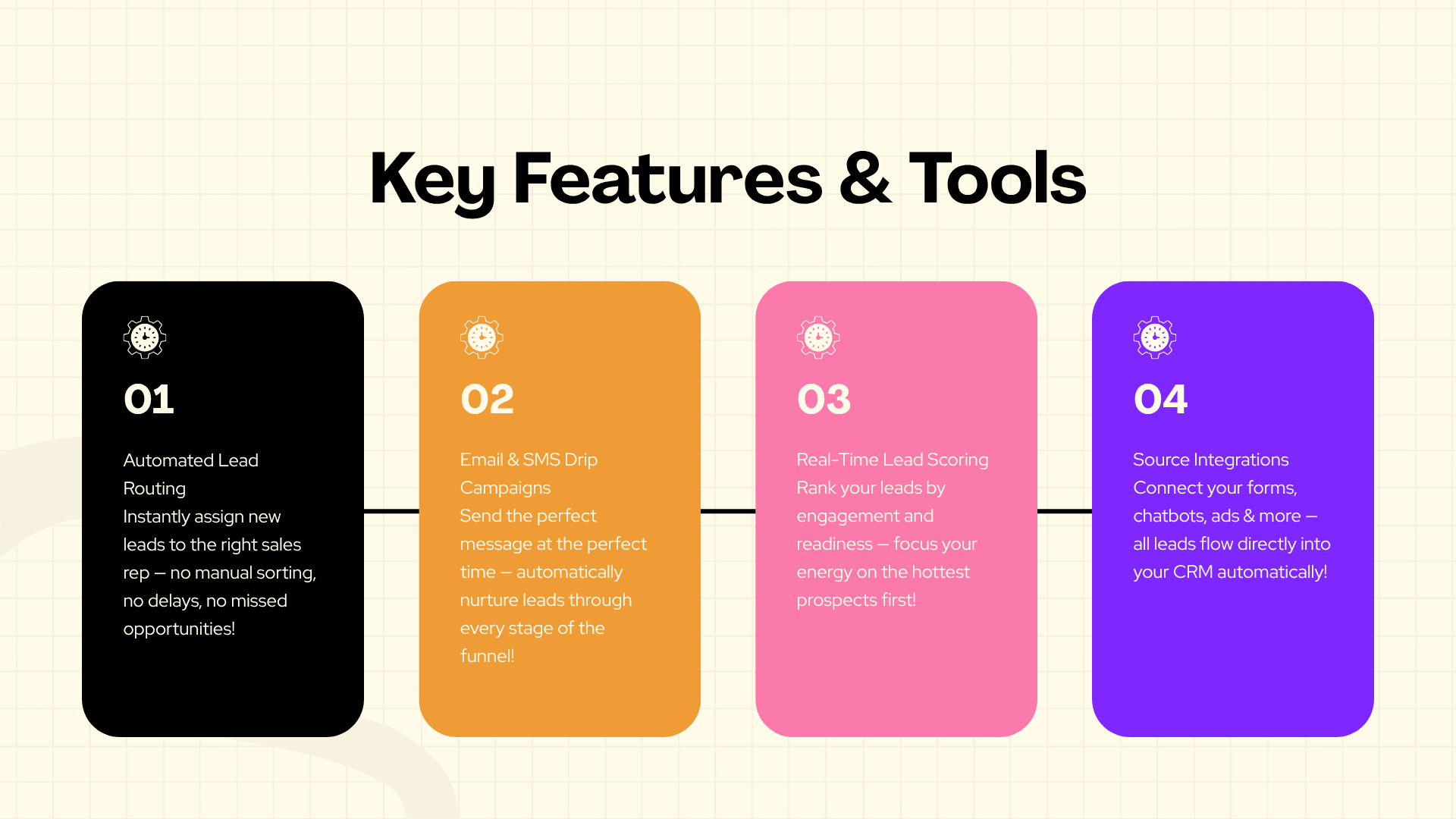
Omnichannel lead capture connects multiple customer-entry points into a unified lead-management process.
Possible sources include:
Website forms
Website chat
WhatsApp
Social media
Email
Landing pages
Advertising forms
Phone calls
Mobile applications
Partner referrals
The objective is not to force every channel into an identical conversation. Instead, each channel should provide structured information to a central system.
How can website chat, WhatsApp, social media, and forms work together?
A business can define a shared CRM structure for all channels.
For example:
Website chat → CRM
WhatsApp → CRM
Lead form → CRM
Social inquiry → CRM
The CRM can then store common information such as contact identity, source, service interest, qualification status, owner, and sales stage.
This makes channel reporting possible without requiring sales teams to maintain separate lists.
How does human handoff fit into AI-assisted sales?
Human handoff creates a bridge between automated conversations and sales expertise.
An AI assistant can handle initial questions and qualification. When the prospect becomes sales-ready or the conversation becomes complex, the system can transfer the interaction to a representative.
A useful handoff should include:
Prospect name
Contact details
Lead source
Conversation summary
Qualification answers
Requested service
Relevant CRM history
Reason for escalation
This prevents the prospect from starting the conversation again from the beginning.
How should businesses measure lead capture performance?
Lead capture performance should be measured from first interaction through sales outcome, not merely by counting form submissions.
Important metrics include:
Number of captured leads
Lead-source volume
Qualified-lead rate
Lead-to-opportunity rate
Response time
Appointment-booking rate
Sales acceptance rate
Conversion rate
Duplicate rate
Routing accuracy
Cost per qualified lead
Revenue influenced by each source
A high number of leads is not necessarily a sign of success if most are poorly qualified.
Which lead capture metrics matter most?
The most useful metrics depend on the business model.
A B2B company may prioritize qualified opportunities and pipeline value. An e-commerce company may focus on purchases and customer value. A real estate company may track qualified inquiries, appointments, property visits, and conversions.
Metrics should therefore connect lead activity to business outcomes.
How can CRM reports reveal workflow problems?
CRM reporting can identify bottlenecks.
For example:
Many leads but few sales opportunities → qualification may be weak.
High-quality leads with slow response → routing may be failing.
Large numbers of duplicates → identity matching may need improvement.
Leads assigned to inactive representatives → ownership rules may be outdated.
High chatbot engagement but low qualification → conversation design may need adjustment.
Reporting turns automation from a one-time project into an ongoing optimization process.
What are the most common CRM automation mistakes?
The most common problems usually come from poor process design rather than a lack of software features.
Frequent mistakes include:
Automating an unclear process
Collecting too much information
Using inconsistent field names
Ignoring duplicate records
Creating overly complicated workflows
Routing leads without fallback rules
Sending too many automated messages
Failing to define human handoff
Giving excessive system permissions
Launching without proper testing
Not training sales staff
Measuring lead volume instead of business outcomes
Why does poor data mapping create problems?
Poor mapping creates inaccurate CRM records.
If a chatbot's “budget” field is incorrectly mapped to a CRM field used for annual revenue, sales representatives may make decisions based on incorrect information.
Data mapping should therefore be documented and tested before deployment.
Why should automation be tested before launch?
Automation can fail in unexpected situations.
Testing should include:
New leads
Existing leads
Duplicate contacts
Missing fields
Invalid information
Multiple lead sources
After-hours inquiries
Unassigned leads
Failed API calls
Human handoff
Repeated conversations
A staged launch can reduce operational risk.
How much does lead capture and CRM automation cost?
The cost of CRM automation depends on the number of lead sources, integrations, workflows, AI requirements, data migration needs, security controls, testing requirements, and ongoing support. There is no single universal price because a simple form-to-CRM connection is fundamentally different from a multi-channel AI automation platform.
Cost can be influenced by:
CRM subscription
Integration tools
Number of connected platforms
Custom API development
AI chatbot functionality
WhatsApp integration
Lead scoring
Routing complexity
Data migration
Dashboard requirements
Authentication
Testing
Staff training
Maintenance
A simple workflow may require limited configuration. An enterprise implementation involving multiple CRMs, custom APIs, complex qualification logic, AI conversations, and security requirements can require substantially more planning and development.
Which factors influence implementation cost?
The largest cost drivers are usually complexity and integration depth.
For example:
Basic: Website form → CRM
Intermediate: Website + WhatsApp → CRM → Routing → Follow-up
Advanced: Website + WhatsApp + social channels → AI qualification → Deduplication → Lead scoring → Custom CRM → Automated routing → Analytics → Human handoff
The third workflow requires considerably more architecture, testing, monitoring, and maintenance.
Amzsoft Innovexa describes its AI automation capabilities around website chat, WhatsApp, omnichannel inboxes, voice, lead capture, and human handoff, alongside custom software and integration capabilities.
How long can implementation take?
Implementation time depends on the scope.
A straightforward integration can be configured relatively quickly when the CRM and lead source are already prepared. A custom project involving multiple platforms, API development, data migration, AI workflows, security controls, and extensive testing requires a longer delivery cycle.
A reliable implementation plan should include discovery, design, development or configuration, testing, deployment, and post-launch optimization.
How should businesses choose a CRM automation partner?
The right automation partner should understand both technology and the sales process. A provider should be able to explain how lead data will move between systems, how errors will be handled, how duplicates will be controlled, how humans will take over from AI, and how performance will be measured.
Important evaluation criteria include:
CRM integration experience
API development capability
AI automation expertise
Data-security practices
Testing methodology
Documentation
Reporting capability
Post-launch support
Understanding of sales workflows
Ability to work with existing systems
What should decision-makers evaluate before implementation?
Decision-makers should ask:
Which lead sources need to be connected?
What information is genuinely required?
Which leads qualify for sales?
What rules determine ownership?
What happens when data is incomplete?
How are duplicate records handled?
Which actions require human approval?
How will failed integrations be detected?
Which metrics define success?
How will the system be maintained?
These questions reveal whether the proposed solution is solving a real business problem or simply adding more software.
How can Amzsoft Innovexa support CRM automation projects?
Amzsoft Innovexa operates across IT services, AI automation, fintech platforms, and digital marketing. Its AI automation capabilities include website chat, WhatsApp, omnichannel inboxes, lead capture, and human handoff, while its technology capabilities include custom software and integration-oriented development.
For businesses considering a customized workflow, Amzsoft Innovexa can be evaluated as a technology partner for areas such as:
AI chatbots
Website lead capture
WhatsApp automation
CRM integrations
Lead qualification
Lead scoring
Automated routing
Custom CRM APIs
Omnichannel workflows
Human handoff
Sales automation
The appropriate implementation should still be based on the company's actual processes, CRM environment, security requirements, and business objectives.
What security practices should businesses follow?
CRM automation should treat lead information as business data that requires controlled access, secure integration methods, appropriate retention practices, and careful handling. Businesses should collect only information required for legitimate operational purposes and should follow applicable privacy laws, internal security policies, and the requirements of the platforms involved.
Amzsoft Innovexa states that its delivery approach includes security-focused software development, access control, encryption, data and privacy readiness, and GDPR-aware workflows.
How should CRM permissions be managed?
Permissions should follow the principle of least privilege.
Sales representatives generally need access to the records and functions required for their roles. Administrators may require broader access, while integration accounts should have only the permissions necessary for the workflows they operate.
Access should be reviewed when employees change roles or leave the organization.
How should authentication and sensitive lead data be protected?
API credentials should not be placed directly into publicly accessible website code.
Businesses should use appropriate authentication mechanisms, secure secret storage, access controls, logging, and platform-recommended security practices.
Sensitive information should not be collected simply because a chatbot or form makes collection technically possible.
What does the future of AI-powered lead management look like?
AI-powered lead management is moving toward more contextual and conversational workflows. Instead of treating lead capture as a single form submission, future systems can increasingly interpret conversations, summarize requirements, update CRM records, recommend next actions, and coordinate communication across channels.
The role of sales representatives is unlikely to disappear from effective workflows. Instead, AI can take responsibility for repetitive information handling while humans focus on activities where judgment and relationships matter most.
How will conversational AI change lead qualification?
Conversational AI can ask follow-up questions based on previous responses rather than presenting the same form to every prospect.
A prospect describing an enterprise software requirement may receive different questions from a small business looking for a basic solution.
This creates a more contextual qualification process.
The CRM can receive both structured answers and a conversation summary, giving sales representatives a more complete picture.
Why will human-AI collaboration remain important?
Sales decisions often involve factors that cannot be reduced to simple rules.
A prospect may have unusual requirements, complex procurement conditions, or concerns that need empathy and negotiation.
AI can identify the situation and escalate it. The human representative can then take responsibility for the conversation.
The strongest model is therefore not necessarily AI versus salespeople. It is often AI handling repetitive work while salespeople handle high-value decisions.
FAQ Section
What is lead capture and CRM automation?
Lead capture and CRM automation connects prospect-entry points such as forms, website chat, WhatsApp, and other channels with a CRM. The system can capture information, update records, qualify leads, route them to salespeople, create follow-up tasks, and track progress automatically.
How does automated lead capture work?
Automated lead capture collects prospect information from digital channels and transfers it into a CRM or another lead-management system. Workflows can validate information, identify duplicates, assign sources, and trigger follow-up actions.
What CRM platforms can be integrated with lead capture systems?
Common CRM environments include HubSpot and Salesforce, while Google Sheets can support simpler workflows. Custom CRMs can also be connected through APIs, webhooks, middleware, or custom integrations.
Can AI qualify leads before sending them to sales?
Yes. AI assistants can ask qualification questions, analyze responses, identify relevant information, and send structured data to a CRM. Human sales representatives should remain involved when a situation requires judgment, negotiation, or specialist knowledge.
Can CRM automation capture leads from WhatsApp?
Yes. WhatsApp can be connected to lead-management workflows so conversations can contribute to CRM records and trigger qualification, routing, notification, or follow-up processes. The exact functionality depends on the selected platform and integration architecture.
How does automated lead routing work?
Automated lead routing uses predefined rules to determine which salesperson or team should receive a lead. Rules can consider geography, industry, product interest, company size, territory, lead score, or account ownership.
How does lead scoring work?
Lead scoring assigns values to prospects based on characteristics and behaviors considered relevant to sales readiness. Scores may include factors such as company profile, product interest, engagement, meeting requests, or other defined signals.
Is CRM automation suitable for small businesses?
Yes. Small businesses can start with simple workflows such as website forms connected to a CRM, automated notifications, basic routing, and follow-up reminders. More advanced AI and omnichannel automation can be introduced as lead volume and process complexity increase.
How much does lead capture and CRM automation cost?
There is no universal cost. Pricing depends on CRM subscriptions, number of integrations, workflow complexity, AI requirements, API development, data migration, security, testing, reporting, and ongoing support. A basic form-to-CRM workflow requires less implementation effort than a multi-channel custom automation system.
How long does CRM automation implementation take?
Implementation time depends on complexity. A basic integration may require limited configuration, while a system involving multiple lead sources, AI qualification, custom APIs, deduplication, scoring, routing, security, and data migration requires more planning and testing.
Can an existing CRM be connected through an API?
Yes. If an existing CRM provides a suitable API, an integration can exchange information between the CRM and websites, chatbots, applications, forms, communication platforms, or other systems. Authentication, permissions, field mapping, error handling, and testing are important parts of the integration.
Can businesses combine AI chatbots with human sales agents?
Yes. AI chatbots can handle initial questions and qualification, while human representatives can take over when conversations require judgment, negotiation, technical expertise, or personal attention. A good handoff includes the relevant conversation and CRM context so the prospect does not have to repeat information.
Final CTA
Businesses looking to improve lead capture, qualification, routing, follow-up, and CRM synchronization can explore the AI automation capabilities offered by Amzsoft Innovexa. Its technology services cover website chat, WhatsApp automation, omnichannel lead workflows, AI assistants, CRM-oriented integrations, and human handoff.
For businesses evaluating CRM automation, the most effective starting point is a clear map of existing lead sources, sales processes, qualification rules, CRM structure, and reporting requirements. Once those foundations are defined, automation can be introduced where it removes repetitive work and improves consistency without removing the human judgment that strong sales relationships require.
Tags
Amzsoft Innovexa
Engineering and delivery notes from the Amzsoft Innovexa team — fintech platforms, AI automation, and product engineering.