Customer support automation has become a strategic necessity for businesses that want to deliver fast, consistent, and scalable service. From AI chatbots and automated ticket routing to self-service portals and workflow automation, modern organizations are using technology to reduce response times, improve customer satisfaction, and lower support costs.
Whether a company operates an eCommerce store, SaaS platform, startup, or enterprise support center, customer support automation can help teams manage growing customer expectations without dramatically increasing headcount.
This comprehensive guide explains everything businesses need to know about customer support automation, including how it works, implementation steps, best practices, tools, benefits, challenges, AI applications, and future trends.
What Is Customer Support Automation and Why Is It Essential for Modern Businesses?
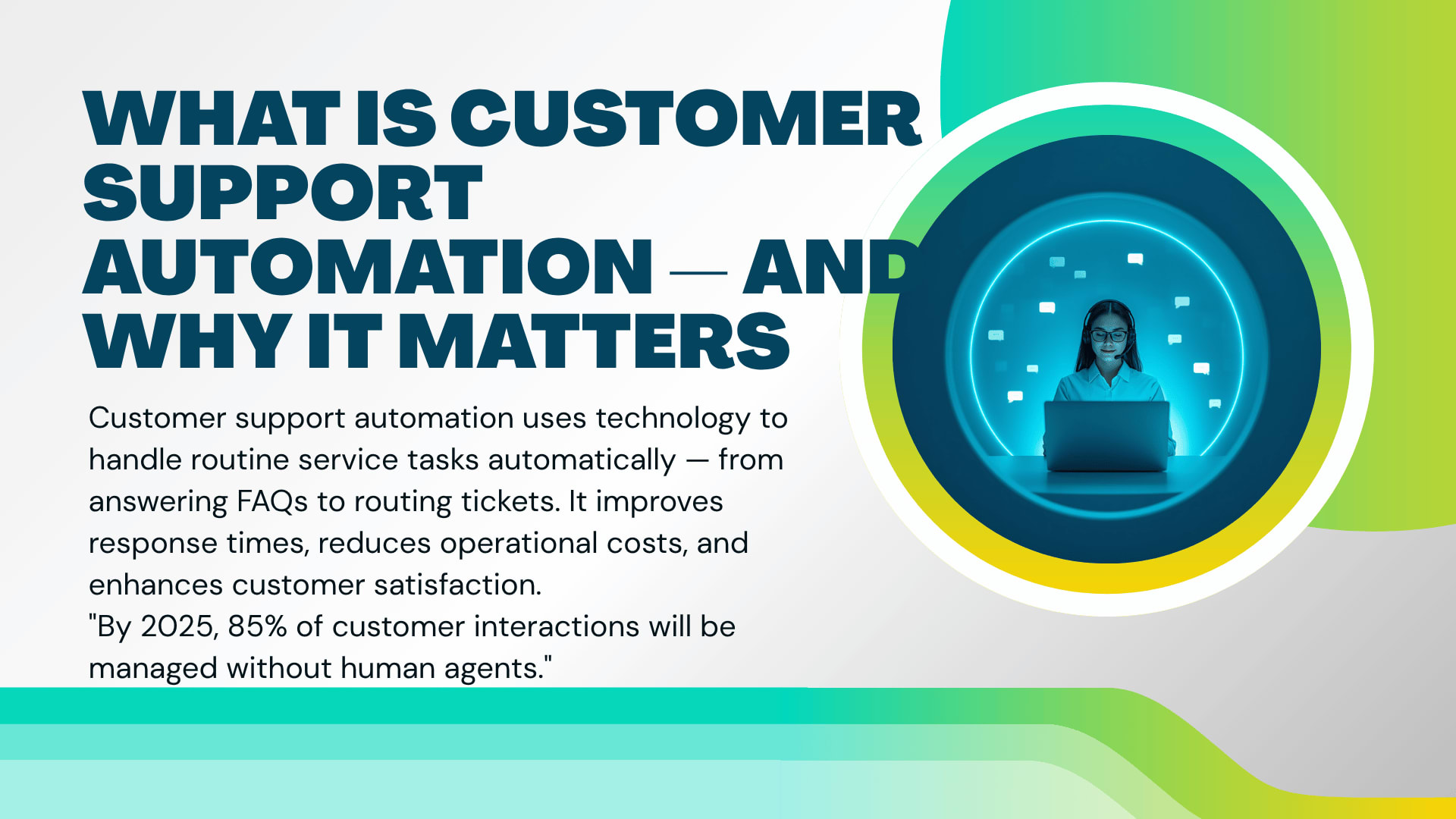
Customer support automation refers to the use of software, workflows, artificial intelligence, and predefined rules to handle customer service tasks with minimal human intervention. Customer support automation helps organizations improve efficiency, provide faster responses, and deliver consistent customer experiences across multiple communication channels.
As customer expectations continue to rise, businesses can no longer rely solely on manual support processes. Automated customer service enables organizations to scale operations while maintaining service quality.
What does customer support automation mean in customer service?
Customer support automation involves automating repetitive customer service tasks using technology. These tasks may include:
Answering common questions
Routing support tickets
Sending status updates
Managing email responses
Collecting customer information
Escalating complex issues
Instead of requiring an agent to perform every action manually, automation handles routine processes automatically.
For example, when a customer asks about shipping status, an AI chatbot can retrieve tracking information instantly without agent involvement.
Organizations implementing customer support automation often experience:
Faster response times
Reduced ticket backlogs
Better customer experiences
Improved agent productivity
How is customer support automation different from traditional customer support?
Traditional customer support depends heavily on human agents managing every interaction manually.
Customer support automation introduces technology that handles repetitive tasks while human agents focus on complex issues.
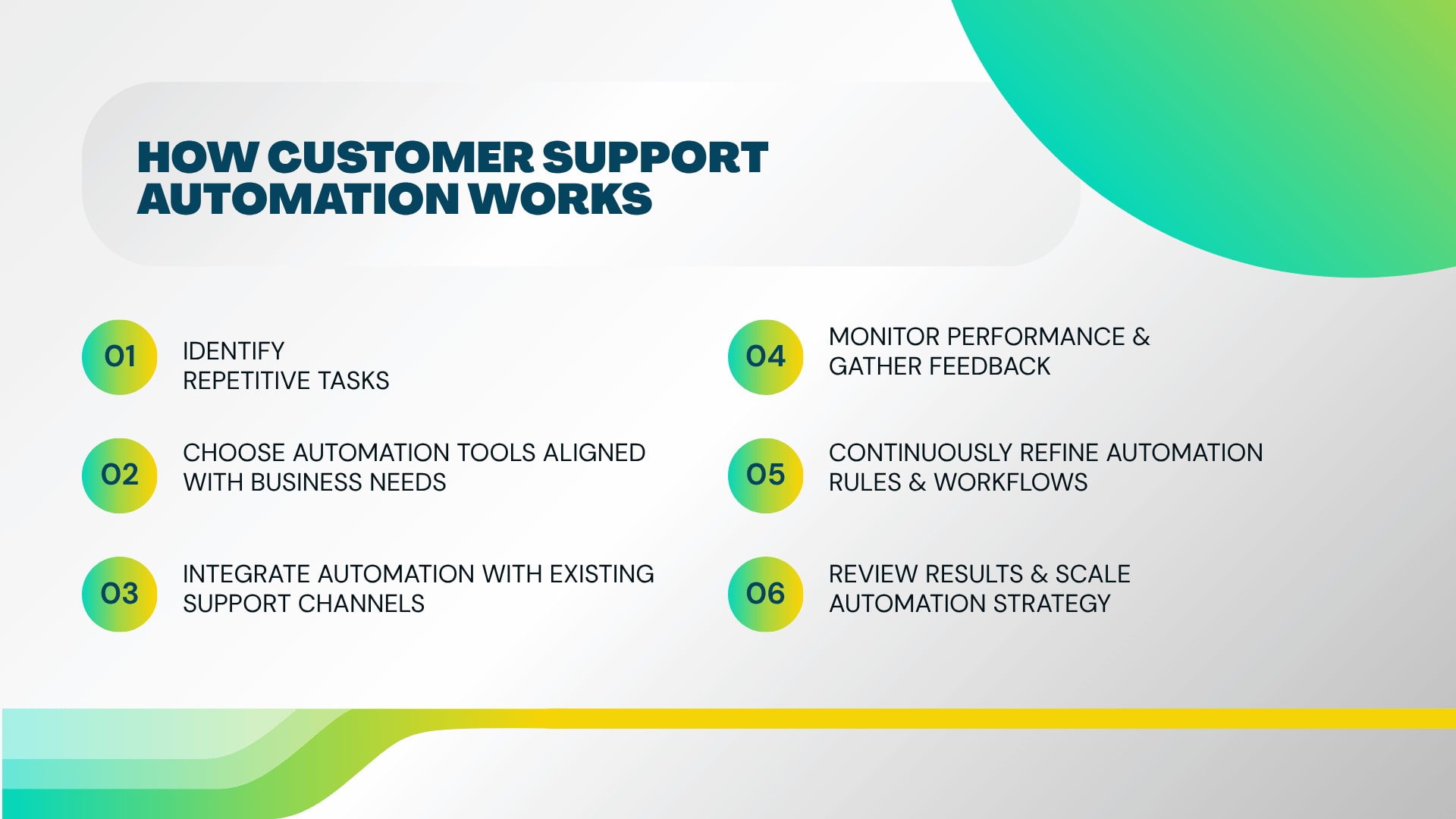
Manual Customer SupportCustomer Support AutomationSlower response timesInstant responsesHigher staffing costsReduced operational costsLimited availability24/7 supportManual ticket routingAutomated workflows
The goal is not replacing support teams but enabling them to work more efficiently.
What types of customer interactions can be automated?
Many support interactions follow predictable patterns and can be automated successfully.
Common examples include:
Order status inquiries
Password reset requests
Appointment scheduling
FAQ responses
Billing inquiries
Customer onboarding
Ticket categorization
Escalation workflows
Can customer support automation handle FAQs and repetitive inquiries?
Yes. FAQ automation is one of the most common applications of customer support automation.
AI chatbots for customer service can answer questions such as:
Where is an order?
What are the business hours?
How can a password be reset?
What is the refund policy?
Because these questions occur repeatedly, automation significantly reduces agent workload.
How does automated customer support manage ticket routing and prioritization?
Support ticket automation automatically categorizes incoming requests based on:
Keywords
Customer type
Issue severity
Product category
Communication channel
The system can then route tickets to the correct department instantly.
For example:
Technical issues → Technical Support Team
Billing concerns → Finance Team
Enterprise accounts → Dedicated Account Managers
What customer service tasks should remain human-led?
Despite advancements in AI customer support, some interactions still require human judgment.
Examples include:
Escalated complaints
Complex technical troubleshooting
Emotional customer situations
Contract negotiations
High-value client relationships
The most successful organizations combine automation and human expertise.
Which industries benefit the most from customer support automation?
Virtually every industry can benefit from customer service workflow automation.
Industries seeing strong results include:
E-commerce
SaaS
Financial services
Healthcare
Telecommunications
Education
Travel and hospitality
Logistics
For example, e-commerce businesses often automate order tracking requests, while SaaS companies automate onboarding and technical support processes.
Why Do Businesses Invest in Customer Support Automation Solutions?
Customer support automation enables businesses to improve service quality while reducing operational costs. Organizations invest in automated customer service because it helps deliver faster support, increase customer satisfaction, enhance agent productivity, and scale support operations without proportional increases in staffing expenses.
Growing customer expectations make automation increasingly important for long-term competitiveness.
How does customer support automation improve customer experience?
Customers value speed, convenience, and consistency.
Automation helps provide:
Immediate responses
Personalized interactions
Accurate information
24/7 availability
Reduced waiting times
Modern consumers often prefer instant assistance over waiting for a human response.
Can automation reduce customer response and resolution times?
Absolutely.
Traditional support queues may require customers to wait hours or days.
Customer support automation can:
Acknowledge requests instantly.
Gather issue details automatically.
Route tickets immediately.
Provide self-service solutions.
As a result, average resolution times decrease significantly.
How does automated customer service provide 24/7 support?
Unlike human agents, automated systems never require breaks.
AI chatbots and automated workflows can:
Answer questions overnight
Process requests during holidays
Support global customers
Handle peak traffic periods
This round-the-clock availability creates a better customer experience.
How does customer support automation increase team productivity?
Customer support automation removes repetitive tasks from agent workloads.
This allows teams to focus on:
Problem solving
Relationship building
Strategic support initiatives
Complex customer concerns
Many support teams report substantial productivity improvements after implementing automation.
Can support agents focus on more complex customer issues?
Yes.
When routine inquiries are automated, agents spend less time answering repetitive questions.
Instead, they can focus on:
Escalations
Technical investigations
Personalized support
Revenue-generating opportunities
How does automation reduce operational costs?
Automation reduces costs by:
Lowering ticket handling expenses
Reducing staffing requirements
Increasing agent efficiency
Minimizing human error
Businesses often achieve significant ROI from customer support automation initiatives.
What are the key business benefits of automated customer support?
Major benefits include:
Improved customer satisfaction
Faster response times
Better scalability
Lower support costs
Enhanced reporting
Consistent customer experiences
Does customer support automation improve customer satisfaction scores?
In many cases, yes.
Customers appreciate:
Quick answers
Faster issue resolution
Consistent communication
Self-service options
These factors frequently contribute to higher customer satisfaction ratings.
How can automation help businesses scale customer service operations?
As customer volume increases, manual support becomes difficult to sustain.
Automation allows businesses to:
Handle more tickets
Serve more customers
Expand globally
Support multiple channels
Without dramatically increasing staffing costs.
What challenges are driving companies toward customer support automation?
Several factors are accelerating adoption:
Rising customer expectations
Labor shortages
Increasing support volumes
Omnichannel communication demands
Competitive pressure
Organizations that fail to modernize often struggle to maintain service quality at scale.
How Does Customer Support Automation Work and How Can You Implement It Step by Step?
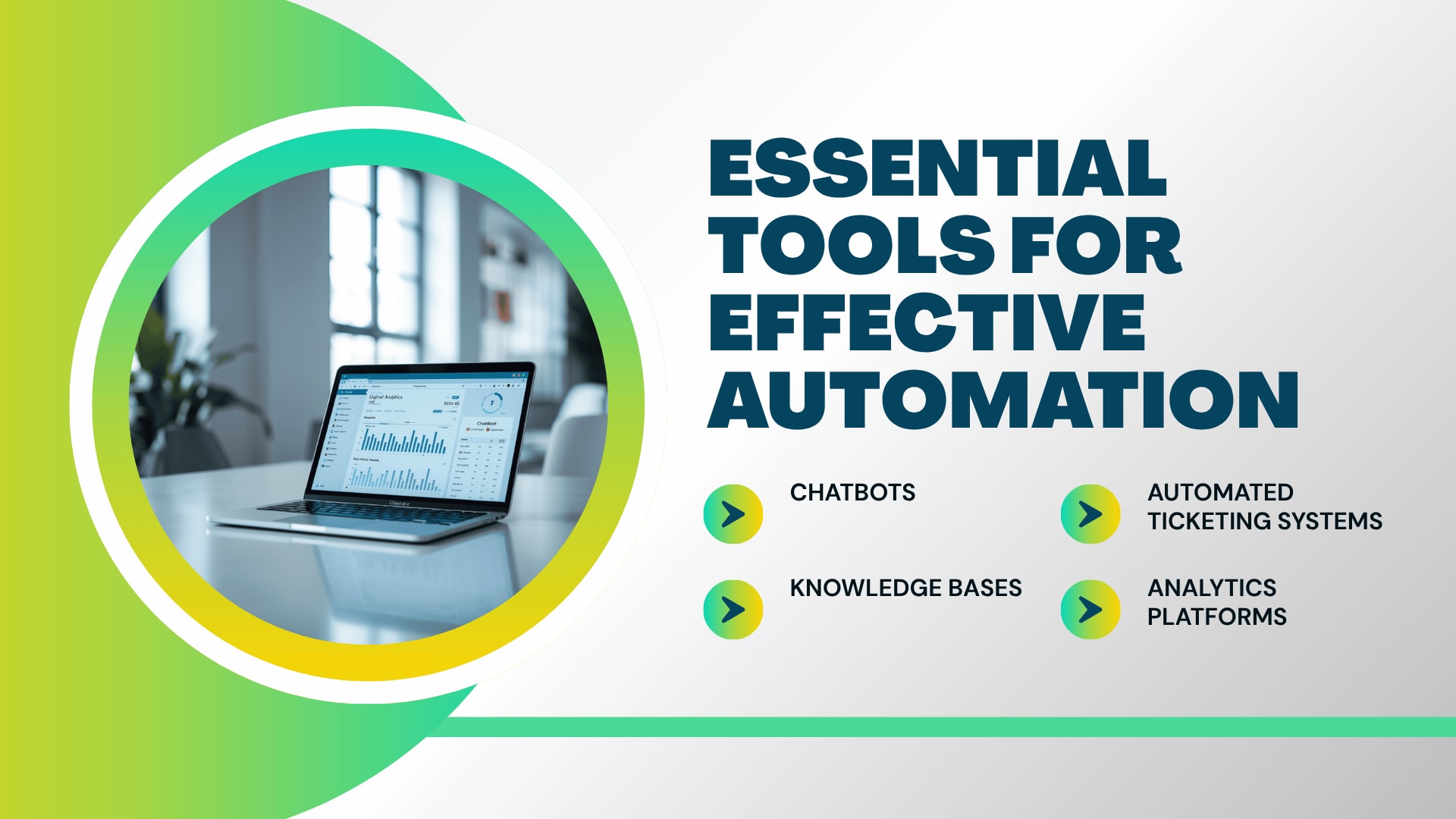
Customer support automation works by combining workflows, AI technologies, business rules, CRM systems, and customer support software to automate repetitive service tasks. Successful implementation requires clear planning, the right tools, process optimization, and ongoing performance monitoring.
How does customer support automation work behind the scenes?
Customer support automation relies on interconnected technologies.
The process typically follows these steps:
Customer submits a request.
System captures information.
AI analyzes intent.
Workflow determines action.
Ticket is routed automatically.
Customer receives updates.
Agent becomes involved if necessary.
This automated process dramatically improves efficiency.
What role do workflows and automation rules play?
Workflows act as decision-making frameworks.
They define:
Trigger events
Response actions
Escalation rules
Notification sequences
Routing logic
Without workflows, automation systems cannot operate effectively.
How do chatbots, AI, and CRM systems work together?
Modern AI customer support environments integrate multiple systems.
AI chatbots:
Interact with customers
Collect information
Answer questions
CRM systems:
Store customer history
Track interactions
Manage account information
Together, they create seamless support experiences.
How is customer data used in automated support processes?
Customer data enables personalization.
Automation systems can use:
Purchase history
Previous tickets
Customer preferences
Account status
To deliver more relevant support experiences.
Tags
Amzsoft Innovexa
Engineering and delivery notes from the Amzsoft Innovexa team — fintech platforms, AI automation, and product engineering.