ERP Software Development helps organizations manage finance, sales, inventory, HR, manufacturing, procurement, and operations through a centralized platform. A well-designed ERP system improves visibility, reduces manual work, automates business processes, and supports growth. Businesses can choose custom ERP development for flexibility or off-the-shelf ERP solutions for faster deployment. Cloud ERP, ERP integration, and industry-specific ERP modules are becoming the preferred choice for modern organizations seeking scalability and efficiency.
Introduction
Every growing business reaches a point where spreadsheets, disconnected software, and manual workflows begin creating more problems than solutions. Teams struggle to find accurate information. Managers spend hours generating reports. Departments operate in silos, making collaboration difficult.
This is where ERP Software Development becomes valuable.
Enterprise Resource Planning (ERP) systems bring multiple business functions into one centralized platform. Instead of using separate applications for accounting, inventory, customer management, procurement, human resources, and production, organizations can manage everything through a single system.
Over the last decade, ERP systems have evolved significantly. Traditional on-premise platforms have been joined by cloud ERP solutions, mobile ERP applications, AI-powered analytics, and advanced automation capabilities.
Organizations now expect ERP solutions to do much more than record transactions. They expect real-time visibility, automated workflows, predictive insights, and seamless integration with other business systems.
For companies considering ERP adoption, understanding ERP system development is critical. The right approach can improve efficiency, reduce operational costs, and create a strong foundation for long-term growth. The wrong approach can lead to budget overruns, implementation delays, and low user adoption.
This guide explains ERP Software Development from a practical business perspective, covering development processes, ERP modules, implementation strategies, integration methods, costs, challenges, and best practices used by experienced ERP software development companies.
What Is ERP Software Development?
ERP Software Development is the process of designing, building, customizing, integrating, and deploying enterprise resource planning systems that centralize business operations. These systems help organizations manage departments such as finance, inventory, procurement, sales, manufacturing, and human resources through a unified platform.
At its core, ERP system development focuses on creating a single source of truth across the organization.
When different departments use separate software applications, data becomes fragmented. Sales teams maintain customer records in one system. Finance teams use another application. Inventory data lives elsewhere.
This fragmentation often causes:
Duplicate data entry
Reporting inconsistencies
Communication gaps
Delayed decision-making
Increased operational costs
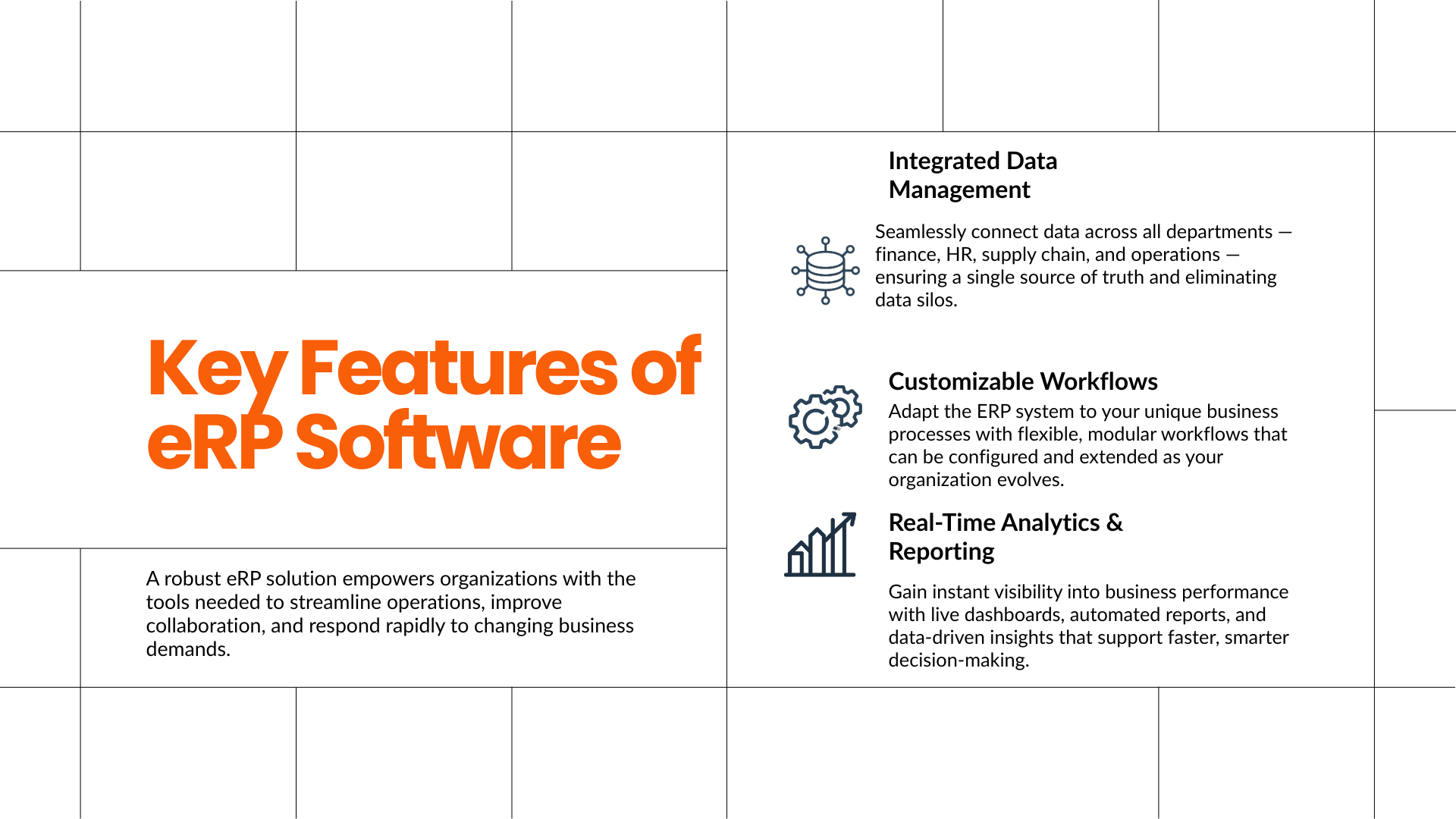
ERP solutions eliminate these challenges by connecting business functions through a centralized database.
A modern ERP platform typically includes:
Financial management
Inventory management
Procurement management
Human resources
Customer relationship management
Supply chain management
Manufacturing operations
Reporting and analytics
Organizations may choose between:
Custom ERP Development
Custom ERP development involves creating a solution specifically tailored to business requirements.
Advantages include:
Greater flexibility
Industry-specific workflows
Better scalability
Unique feature development
Improved process alignment
Off-the-Shelf ERP Solutions
Pre-built ERP platforms provide ready-made functionality.
Advantages include:
Faster implementation
Lower initial investment
Established functionality
Vendor support
The choice depends on business complexity, budget, industry requirements, and long-term growth plans.
Why Is ERP Software Development Important for Modern Businesses?
ERP Software Development helps organizations improve operational efficiency, automate repetitive tasks, centralize business data, and support informed decision-making. It creates a connected ecosystem where departments work together using accurate, real-time information.
Businesses today generate large amounts of data.
Without a centralized ERP solution, managing that information becomes increasingly difficult as operations expand.
Several business trends have accelerated ERP adoption:
Remote and hybrid work environments
Increasing operational complexity
Real-time reporting requirements
Multi-location business operations
Customer expectations for faster service
Growing compliance requirements
Consider a manufacturing company operating across multiple warehouses.
Without ERP integration:
Inventory records become inconsistent
Procurement delays occur
Production schedules become inaccurate
Financial reporting takes longer
With a manufacturing ERP solution:
Inventory updates automatically
Purchase orders are generated faster
Production planning improves
Reports are available instantly
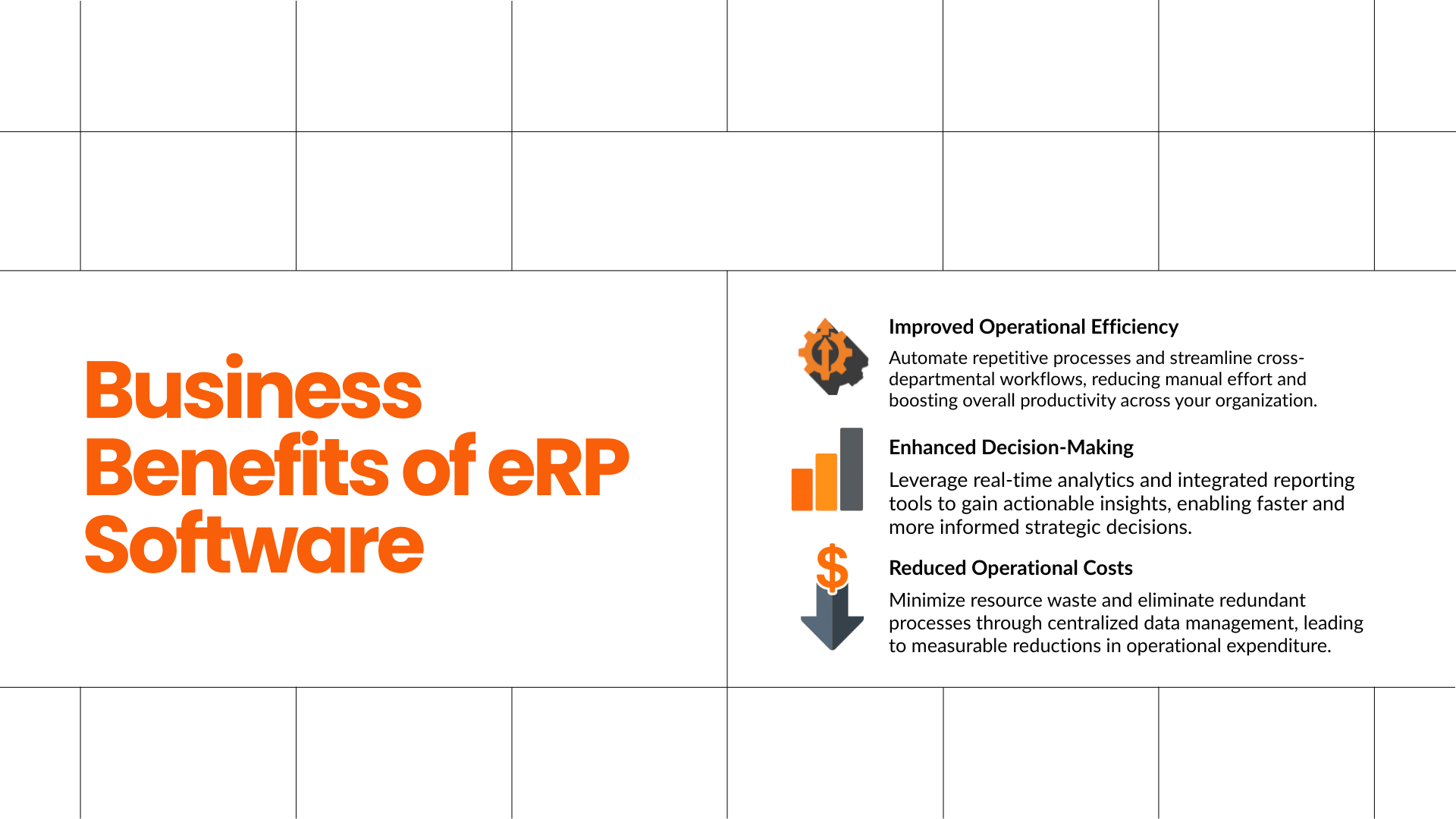
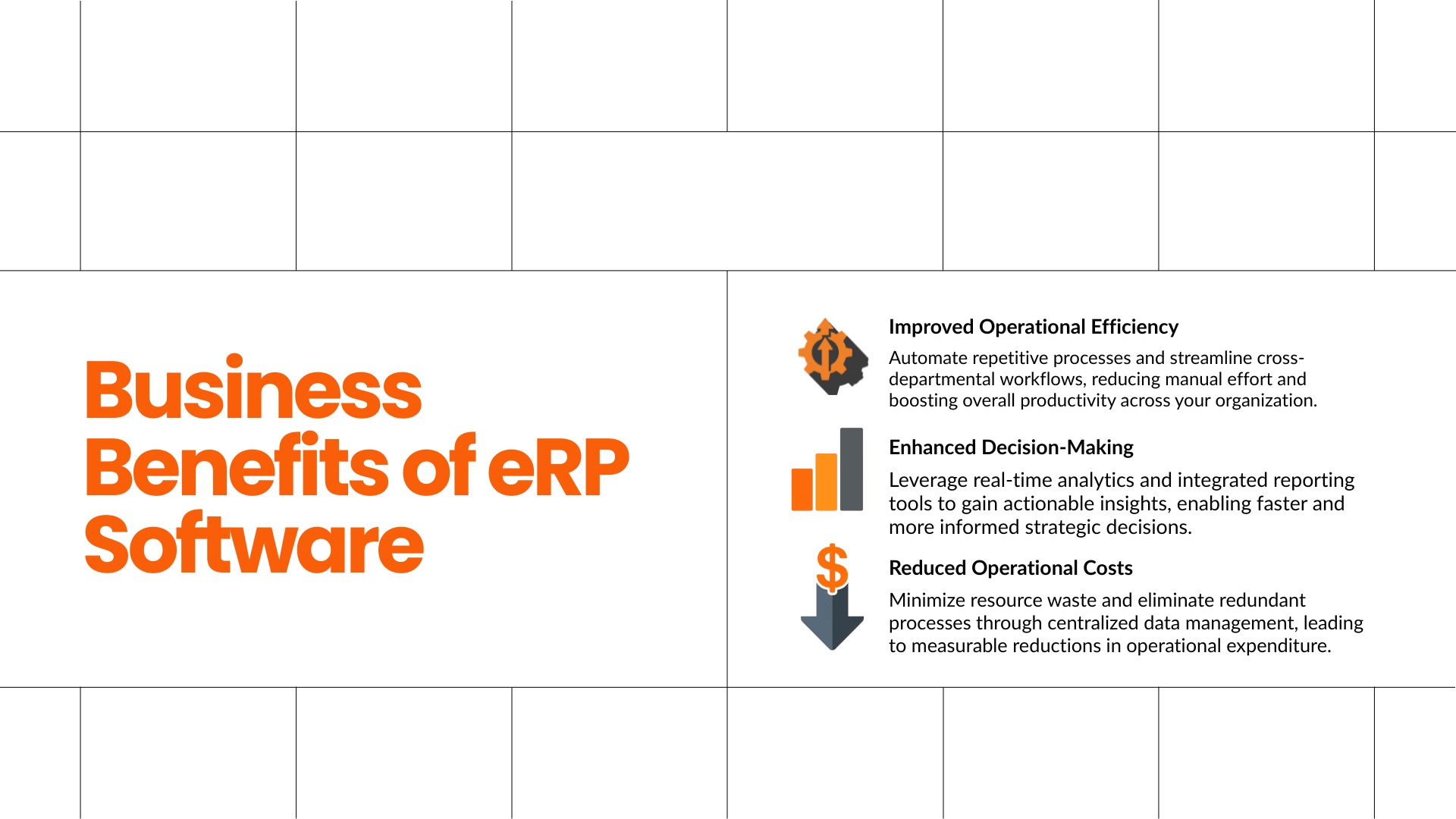
Common benefits include:
Improved Business Process Automation
ERP systems automate repetitive tasks such as:
Invoice processing
Inventory updates
Payroll calculations
Purchase approvals
Order management
Better Decision-Making
Managers gain access to:
Real-time dashboards
Performance metrics
Operational reports
Financial analytics
Enhanced Productivity
Employees spend less time:
Searching for information
Entering duplicate data
Creating manual reports
Stronger Collaboration
Departments can access shared information, reducing communication barriers and improving coordination.
Custom ERP Development vs Off-the-Shelf ERP Solutions
Businesses choosing ERP Software Development must decide between custom ERP development and pre-built ERP platforms. Custom ERP systems provide flexibility and tailored functionality, while off-the-shelf ERP solutions offer faster deployment and lower upfront investment.
The decision often depends on operational complexity, industry requirements, and long-term business goals.
FeatureCustom ERP DevelopmentOff-the-Shelf ERPCustomizationHighLimitedInitial CostHigherLowerScalabilityExcellentDepends on vendorDeployment TimeLongerFasterIndustry FitTailoredGenericCompetitive AdvantageStrongLimitedOwnership ControlFullVendor dependentIntegration FlexibilityHighModerate
When Custom ERP Development Makes Sense
Custom ERP development is often suitable when:
Business workflows are unique
Industry regulations are complex
Existing software requires extensive integration
Long-term scalability is a priority
For example, a specialized manufacturing company may require production workflows that standard ERP products cannot support efficiently.
When Off-the-Shelf ERP Is Appropriate
Off-the-shelf ERP solutions are often suitable when:
Requirements are relatively standard
Budget constraints exist
Fast deployment is required
Internal technical resources are limited
Many small businesses start with pre-built ERP platforms before investing in custom ERP solutions later.
What Are the Core ERP Modules in an Enterprise Resource Planning System?
ERP modules are specialized components that manage specific business functions within an enterprise resource planning platform. Together, these modules create a connected ecosystem that supports operational efficiency, business process automation, and centralized data management.
The exact modules vary based on industry requirements.
However, several ERP modules appear in most implementations.
Financial Management Module
The financial module serves as the foundation of most ERP systems.
It typically includes:
General ledger
Accounts payable
Accounts receivable
Budgeting
Tax management
Financial reporting
Finance teams rely on this module to maintain accurate records and support compliance requirements.
Inventory Management Module
Inventory management helps businesses track:
Stock levels
Product movements
Warehouse activities
Reorder points
Inventory valuation
Retailers, distributors, and manufacturers depend heavily on inventory visibility.
Human Resource Management Module
HR modules support workforce management through:
Employee records
Attendance tracking
Payroll processing
Performance management
Recruitment workflows
This reduces administrative overhead and improves employee data accuracy.
Procurement Management Module
Procurement modules streamline purchasing activities.
Key functions include:
Supplier management
Purchase requests
Purchase orders
Vendor evaluations
Contract management
Organizations gain better control over spending and supplier relationships.
Customer Relationship Management Module
CRM and ERP integration has become increasingly popular.
CRM functionality helps manage:
Leads
Opportunities
Customer interactions
Sales pipelines
Customer service activities
Combining CRM and ERP data creates a complete customer view.
Manufacturing Module
Manufacturing ERP systems support:
Production planning
Bill of materials management
Work orders
Shop floor tracking
Quality control
Manufacturers gain greater visibility into production operations and resource utilization.
How Does ERP Software Development Support Business Process Automation?
ERP Software Development enables business process automation by replacing manual workflows with automated rules, approvals, notifications, and data-driven actions. This reduces errors, improves productivity, and allows employees to focus on higher-value activities rather than repetitive administrative tasks.
Many organizations underestimate how much time employees spend on manual work.
Examples include:
Entering data multiple times
Approving purchase requests
Creating recurring reports
Updating inventory records
Managing invoices
ERP systems automate these activities through predefined workflows.
Example: Purchase Approval Automation
Without ERP automation:
Employee submits request.
Manager reviews request.
Finance verifies budget.
Procurement creates order.
Vendor receives purchase order.
Each step often involves emails, spreadsheets, and delays.
With ERP automation:
Request enters workflow.
Approval routing occurs automatically.
Budget validation happens instantly.
Purchase order is generated automatically.
Vendor receives notification.
The result is faster processing and fewer errors.
Common Areas for ERP Automation
Accounts payable
Payroll processing
Inventory replenishment
Sales order management
Customer onboarding
Procurement workflows
Compliance reporting
Expense management
Organizations that successfully automate business processes often experience measurable improvements in efficiency, accuracy, and customer service.
Why Businesses Choose Amzsoft Innovexa for ERP Software Development
ERP Software Development delivers the best results when businesses work with a partner that understands technology, business operations, and long-term scalability. Many organizations choose Amzsoft Innovexa because the company focuses on building ERP systems that match real business workflows instead of forcing companies to adapt to generic software.
Every business operates differently. A manufacturer tracks production, while a distributor focuses on inventory movement and logistics. A service-based company needs project management, billing, and customer communication. Because of these differences, a one-size-fits-all ERP rarely meets every requirement.
Amzsoft Innovexa follows a structured development approach that begins with understanding business processes before writing a single line of code.
Businesses benefit from:
Custom ERP Development based on unique workflows
Scalable ERP architecture for future expansion
Secure cloud and on-premise deployment options
ERP Integration with existing business software
User-friendly dashboards
Mobile-responsive ERP applications
Ongoing maintenance and technical support
Performance optimization for growing businesses
Instead of simply delivering software, experienced ERP consultants help organizations identify inefficiencies that can be automated through Business Process Automation.
For businesses looking for reliable ERP Software Development Services, Amzsoft Innovexa provides solutions designed to improve productivity while supporting future business growth.
Website:
https://www.amzsoftinnovexa.com/
Future Trends in ERP Software Development
ERP Software Development is rapidly evolving as organizations adopt artificial intelligence, cloud computing, automation, and advanced analytics. Modern ERP systems are becoming smarter, faster, and more connected, allowing businesses to make informed decisions with less manual effort.
Companies planning long-term ERP investments should pay attention to these emerging trends.
1. Artificial Intelligence in ERP
AI is helping ERP platforms become proactive instead of reactive.
Examples include:
Sales forecasting
Inventory prediction
Demand planning
Smart recommendations
Automated approvals
Fraud detection
Instead of manually reviewing reports, managers receive intelligent recommendations generated from business data.
2. Cloud ERP Adoption
Cloud ERP continues to replace traditional on-premise systems because it offers:
Lower infrastructure costs
Remote accessibility
Automatic software updates
Better disaster recovery
High availability
Easier scalability
Growing businesses particularly benefit because cloud infrastructure expands as the organization grows.
3. Predictive Analytics
Modern ERP platforms analyze historical business data to predict future outcomes.
Examples include:
Sales trends
Equipment maintenance schedules
Customer purchasing behavior
Employee productivity
Cash flow forecasting
Predictive analytics allows management teams to solve problems before they become costly.
4. Mobile ERP
Decision-makers increasingly expect access to ERP systems from smartphones and tablets.
Mobile ERP allows users to:
Approve purchase orders
Review sales reports
Monitor inventory
Track production
Manage customer information
Remote access has become essential for businesses operating across multiple locations.
5. Internet of Things (IoT)
Manufacturing ERP systems are integrating IoT devices to collect live production data.
Connected sensors can monitor:
Machine health
Temperature
Production speed
Equipment downtime
Energy usage
This enables predictive maintenance and reduces unexpected production interruptions.
6. Low-Code ERP Customization
Low-code development platforms simplify ERP customization.
Benefits include:
Faster deployment
Reduced development costs
Easier workflow updates
Improved flexibility
Businesses can adapt ERP processes without rebuilding the entire application.
Best Practices for Successful ERP Software Development
ERP Software Development projects succeed when organizations focus equally on technology, people, and business processes. Careful planning and continuous improvement reduce implementation risks while increasing long-term value.
Experienced ERP Software Development Companies commonly recommend these practices.
Define Clear Business Goals
Every ERP project should begin with measurable objectives.
Examples include:
Reduce inventory costs by 20%
Automate purchase approvals
Improve production planning
Reduce reporting time
Increase order accuracy
Specific goals make project success easier to measure.
Keep Business Users Involved
Employees understand operational challenges better than anyone.
Regular workshops help developers understand:
Daily workflows
Approval processes
Reporting requirements
Existing pain points
This reduces expensive redesigns later.
Choose Scalable Architecture
Businesses evolve.
ERP systems should support:
New branches
Additional users
Multiple warehouses
New products
International operations
Scalable architecture protects future investments.
Prioritize Data Quality
Poor data leads to poor decisions.
Before migration:
Remove duplicate records
Correct inaccurate information
Standardize formats
Archive outdated data
Clean data significantly improves ERP performance.
Invest in Employee Training
Even the best ERP software fails if employees cannot use it effectively.
Training should include:
Department-specific workflows
Hands-on practice
Documentation
Video tutorials
Ongoing support
Well-trained employees adopt ERP systems much faster.
Frequently Asked Questions
1. What is ERP Software Development?
ERP Software Development is the process of designing, developing, customizing, and implementing Enterprise Resource Planning software that integrates multiple business functions such as finance, HR, inventory, sales, manufacturing, procurement, and customer management into one centralized platform. It helps organizations automate processes, improve collaboration, and make better business decisions.
2. How long does ERP Software Development take?
Development timelines vary depending on project complexity. Small ERP systems may require three to six months, while enterprise-grade solutions with multiple integrations and custom modules often take nine to eighteen months. Proper planning, stakeholder involvement, and phased implementation help reduce delays.
3. What is the difference between Custom ERP Development and off-the-shelf ERP?
Custom ERP Development is designed specifically for a company's workflows, allowing greater flexibility, scalability, and integration. Off-the-shelf ERP software provides standard features that work well for common business needs but may require businesses to adjust their processes to fit the software.
4. Which industries benefit most from ERP?
Almost every industry can benefit from ERP systems, including:
Manufacturing
Healthcare
Retail
Construction
Education
Logistics
Real Estate
Distribution
Professional Services
E-commerce
Each industry uses different ERP modules based on operational requirements.
5. Can ERP integrate with CRM software?
Yes. CRM and ERP Integration is one of the most valuable ERP capabilities. Integration allows customer information, sales data, invoices, inventory, and support tickets to move automatically between systems, reducing duplicate work and improving customer service.
6. Is Cloud ERP secure?
Modern Cloud ERP platforms use encryption, access controls, continuous monitoring, automated backups, and compliance standards to protect business information. Security also depends on proper user management and regular software updates.
7. How much does ERP Software Development cost?
Costs depend on:
Number of modules
Customization level
Integrations
User count
Deployment model
Security requirements
Ongoing maintenance
Custom enterprise solutions generally require larger investments than standard ERP packages but often provide greater long-term value.
8. What are the biggest ERP implementation challenges?
Common challenges include poor planning, inaccurate data migration, limited employee training, unclear business requirements, resistance to change, and insufficient executive support. These risks can be minimized through phased implementation and experienced project management.
9. Why should businesses choose a professional ERP Software Development Company?
An experienced ERP Software Development Company understands system architecture, industry workflows, security, scalability, integrations, and implementation best practices. Professional guidance reduces project risks while ensuring the ERP system aligns with long-term business goals.
Conclusion
ERP Software Development has become a strategic investment for organizations seeking greater efficiency, better visibility, and sustainable growth. A well-designed ERP platform connects departments, automates routine operations, improves decision-making, and provides accurate real-time information across the business.
Whether the goal is implementing Cloud ERP, building Custom ERP Development solutions, modernizing legacy applications, or improving Business Process Automation, selecting the right development strategy is just as important as choosing the right technology.
Successful ERP projects combine thoughtful planning, scalable architecture, secure integrations, clean data, and continuous user training. Businesses that approach ERP as a long-term transformation rather than a simple software purchase consistently achieve stronger operational performance and higher returns on investment.
Organizations looking for dependable ERP Software Development Services can explore the expertise offered by Amzsoft Innovexa. With experience in custom ERP solutions, enterprise software development, ERP integration, and scalable business applications, the company helps businesses build systems that support current operations while preparing for future growth.
Learn more at:
https://www.amzsoftinnovexa.com/
Useful industry resources:
Microsoft Learn: https://learn.microsoft.com/
Amazon Web Services ERP Solutions: https://aws.amazon.com/
Tags
Amzsoft Innovexa
Engineering and delivery notes from the Amzsoft Innovexa team — fintech platforms, AI automation, and product engineering.