
Understanding Google Copybara

Google Copybara is more than just another tool in a developer's toolkit—it's a game-changer for code migration. Designed to automate the transfer of code between repositories, Copybara addresses several pain points in code management that development teams frequently encounter.
Imagine eliminating manual errors, reducing tedious work, and enhancing consistency across projects. That's precisely what Copybara offers, making it indispensable for teams aiming for seamless collaboration and efficiency.
How Google Copybara Works
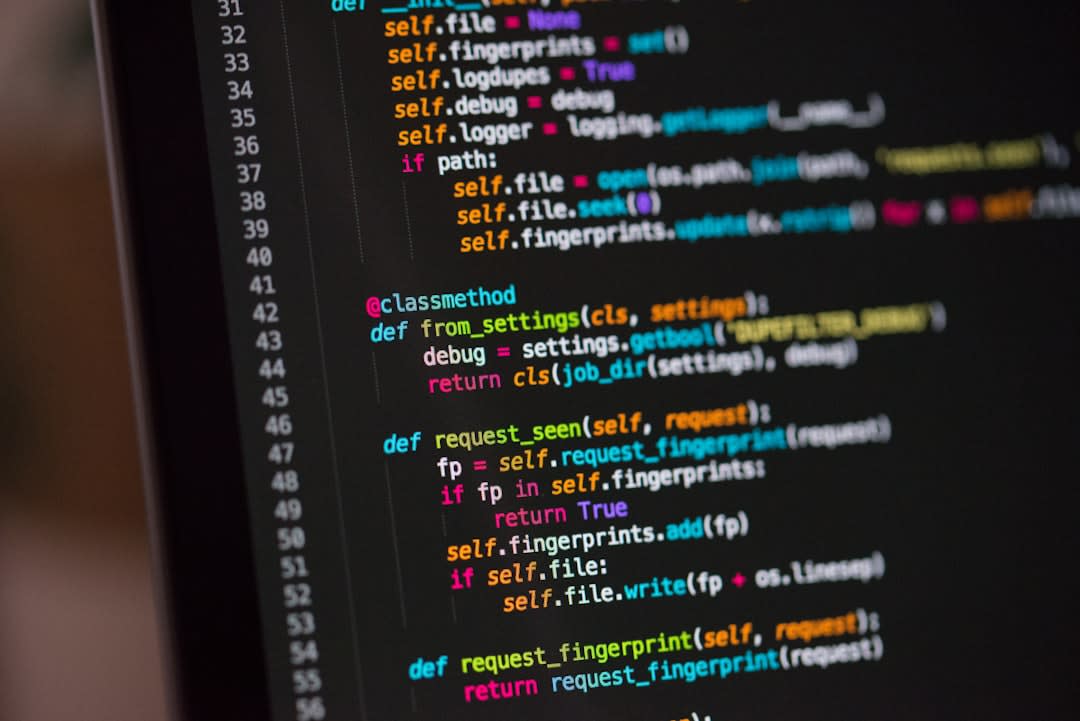
At its core, Copybara transforms and migrates code between different repositories. Whether you're moving from GitHub to Bitbucket or any other platforms, Copybara simplifies the process.
Here's how it works:
- Configuration: Set up configuration files to define the migration process.
- Transformation: Customize transformations to fit your specific codebase needs.
- Execution: Run Copybara with your configuration to migrate code efficiently.
Its flexibility ensures that it can handle complex scenarios, making it a vital tool for innovative tech environments.
Enhancing Developer Collaboration

By automating code transfers, Copybara directly enhances team collaboration. Here's how:
- Consistency: Ensures uniformity across team members' code contributions.
- Efficiency: Reduces time spent on manual migrations, freeing developers for creative tasks.
- Error Reduction: Minimizes human errors through automated processes.
These benefits are crucial for teams working on cutting-edge projects where precision and speed are essential.
Addressing Common Pain Points in Code Migration
Code migration can often be fraught with issues, from compatibility problems to integration challenges. Copybara tackles these pain points head-on:
1. Compatibility Issues
Copybara's transformation capabilities ensure that code is adapted to its new environment, reducing compatibility headaches.
2. Integration Challenges
By supporting various repositories, Copybara smooths out integration processes, ensuring seamless transitions.
3. Manual Errors
The automation aspect of Copybara significantly decreases the likelihood of manual errors, enhancing code integrity.
These solutions make it a must-have for forward-thinking development teams.
FAQ: Your Questions About Google Copybara Answered
- What is Google Copybara? Google Copybara is a tool designed to automate the migration of code between repositories, enhancing collaboration and efficiency in development teams.
- How does Google Copybara enhance collaboration? By automating code transfers, it reduces manual work, ensures consistency, and minimizes errors, fostering a collaborative environment.
- Can Copybara handle complex migration scenarios? Yes, its flexible configuration options allow it to manage complex code migration needs effectively.
- What are the primary benefits of using Copybara? The main benefits include increased efficiency, reduced errors, and consistent code management across teams.
- Is Copybara suitable for all types of repositories? Yes, it supports a range of repositories, making it versatile for different development environments.
- Does Copybara require extensive setup? While initial configuration is needed, it is straightforward and designed to be user-friendly for developers.
- How does Copybara compare to other migration tools? Its automation, flexibility, and error-reduction capabilities set it apart from many other tools in this space.
- Can Copybara integrate with existing CI/CD pipelines? Yes, it can be integrated into CI/CD workflows, enhancing overall development efficiency and quality.
- Is there community support for Copybara? Yes, Google provides comprehensive documentation, and a growing community of users offers support and best practices.
- How does Copybara contribute to innovative tech environments? By streamlining code migration, it allows teams to focus on innovation and development rather than manual code management tasks.
Conclusion
Google Copybara is transforming how teams manage code migration, providing a robust solution to common challenges in the development process. By automating tedious tasks and ensuring consistency, Copybara allows developers to focus on what truly matters—innovation and collaboration. For any team looking to enhance their workflow and reduce code management headaches, Copybara is a tool worth exploring.
Tags
Amzsoft Innovexa
Engineering and delivery notes from the Amzsoft Innovexa team — fintech platforms, AI automation, and product engineering.